
UPS Universal Shipping for Magento® 2.x

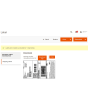
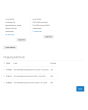
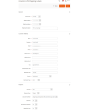
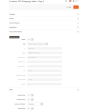
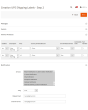
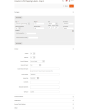
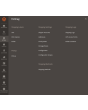
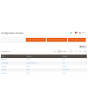
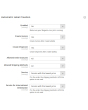
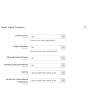
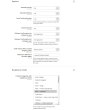
UPS Universal Shipping is a Magento 2 extension that helps you manage a complete UPS shipping cycle using the UPS (United Parcel Service) API.
The extension gives you a wide variety of settings. Get up-to-date shipping prices and create thermal (ZPL, EPL), and PDF UPS shipping labels. Create pickups and track your parcels.
The main benefits of the UPS Universal Shipping extension are:
Thermal and PDF Shipping Labels
The creation of shipping labels is possible both manually and automatically, and even on a schedule. The UPS Universal Shipping extension allows you to associate a shipping label with an order, shipment, or credit memo. All labels are stored on your server and you can access them at any time from the admin interface of your Magento site.
Before manually creating each shipping label, you can select the shipping method you want from those provided by UPS and immediately see the shipping cost. In automatic mode, labels are created either according to the method that the buyer chose when ordering or at the minimum/maximum price of all UPS methods.
Paperless Commercial Invoice
UPS Universal Shipping supports worldwide shipping. Therefore, for shipping abroad, it is proposed to use the paperless (or paper) registration of the customs invoice (International Invoice). To do this, the UPS Universal Shipping extension supports the following settings: Harmonized and ScheduleB codes, Dangerous Goods and Hazardous Materials, Terms of Shipment, Reason for Export, Sold To Address, and others.
Shipping Rates & Shipping Methods
Get shipping rates on checkout just like on ups.com. Shipping prices usually depend on the insurance, the declared price of the parcel, weight, dimensions, etc. All of these points are taken into account by our UPS Universal Shipping extension. The cost of the method can be both static and dynamic. Both prices and display methods can be adjusted by setting limits. Optionally, you can display the method only in the admin panel You can create as many methods as you like. Read more here.
Payment, COD, Insured
Customize the payer considering your business processes. Shipping can be paid by the Shipper or Third Party, while Duty and Taxes can be paid by both the Recipient and the Shipper. You can also regulate insurance (Insured) and use Invoice Line Total. It is possible to indicate, if necessary, a tax number (Tins number (Taxpayer Identification)). If the buyer wants to pay for the goods upon receipt, you can use the COD (Cash on Delivery) option.
Return Shipping Labels and RMA
Creating return shipping labels is as easy as creating regular shipping labels. A big plus will be the option to create return labels at the same time as a regular label.
The administrator can give the buyer the ability to create and print return labels himself.
Pickup and Tracking
Order a parcel delivery service directly from the admin panel of your online store. Everything is done easily and simply. You choose for which created labels you want to order a pickup and the extension will send a request to the delivery service. You can always see what has been shipped in each pickup. You can see a sample Pickup Slips document for multiple shipments here.
Once your packages have been shipped, you can track them with our UPS Universal Shipping extension. You can see all the points that the package has passed and where it is at the moment.
Printing
Printing is one of the most important steps when working with shipping labels. Use our app to print thermal and PDF labels on your local and network printers. You can get it here.
Configuration
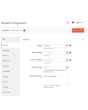
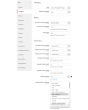
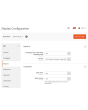
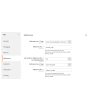
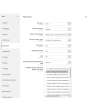
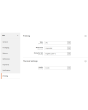
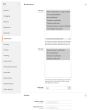
The capabilities of our module are truly limited due to flexible settings. At the same time, the settings are intuitive and many are set by default. You can configure the extension for a specific store or a specific country. You can apply some settings to domestic shipments, and apply other settings to foreign shipments. Completely separate settings are also possible for regular and return labels. Perhaps for each continent, you would like to have individual settings. This is also possible with our module.
Demo
You can try this extension for 30 days. Ask for the demo on this page with Request demo; how it works is explained on Try an extension for 30 days.
Hyva Theme and Hyva Checkout
Compatible with Hyva Theme and Hyva Checkout
| CMS | Magento 2 |
|---|---|
| Compatibility | 2.4, 2.3 |
| Features |
|
The extension is installed with Composer. Which repository you add depends on where you bought it — the install itself is the same either way.
1. Connect the repository
Bought on extmag.com. Your account page shows the repository address and your personal credentials, together with the two composer config commands to paste. Run them once per project; every extension you own is then available from the same repository.
Bought on the Adobe Commerce Marketplace. The package is served from repo.magento.com, which most stores already have configured. If not, add the access keys from your Adobe account under My Profile -> Access Keys.
2. Install the extension
Run in the project root:
composer require extmag/upsshipping2
php bin/magento setup:upgrade
php bin/magento cache:flush
Composer resolves the shared Extmag packages the extension depends on, so there is nothing else to require by hand.
Log out and log back into the admin, and the extension is ready.
Label printing
To print labels on a local or network printer, install our printing software from here, then follow Installing and configuring el-Print.
Hyva Theme and Hyva Checkout
Storefronts on Hyva need one more package:
composer require extmag/shiplab-hyva
composer require magewirephp/magewire
The integration replaces one Hyva template, view/frontend/templates/checkout/shipping/method-list.phtml. If your theme already overrides that file, merge the changes rather than replacing it.
Trying it before you buy
You can ask for a 30-day demo of this extension and install it exactly as above — same package, same repository, same commands. How demos work.
Installing without Composer
The archive can be unpacked into app/code/Extmag/ instead, but that leaves the extension outside dependency management: its shared packages have to be installed by hand and updates never reach it. Use Composer for any store you run, demo included.
For any question about the installation, please contact our technical support.
-
User Guide User Guide.pdf · 1.1 MBDownload
-
Reference Manual Reference Manual.pdf · 403.0 KBDownload
-
Installation Guide Installation Guide.pdf · 1.0 MBDownload
UPS is set up from the Extmag menu in the Adobe Commerce (Magento) admin. Add the carrier account, the addresses you ship from, the boxes you pack into and the shipping methods customers see, then tune the carrier configuration.
UPS Account
- If you do not have UPS credentials yet, get them from UPS. You will need a Client ID, Client Secret and Shipper Number from the UPS Developer Portal.
- Go to Admin Main Menu -> Extmag -> Settings -> Shipper Accounts.
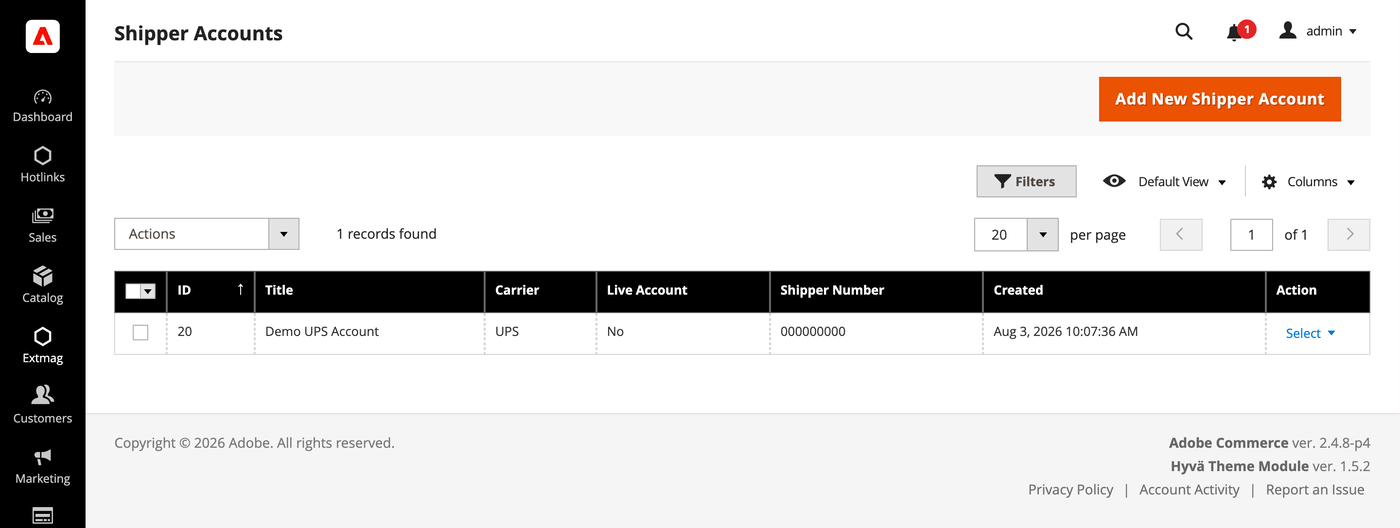
- Click the “Add New Shipper Account” button.
- Enter your credentials and click “Save”. Leave Live Account set to No while you test against the carrier sandbox.
Addresses
- Go to Admin Main Menu -> Extmag -> Settings -> Addresses.
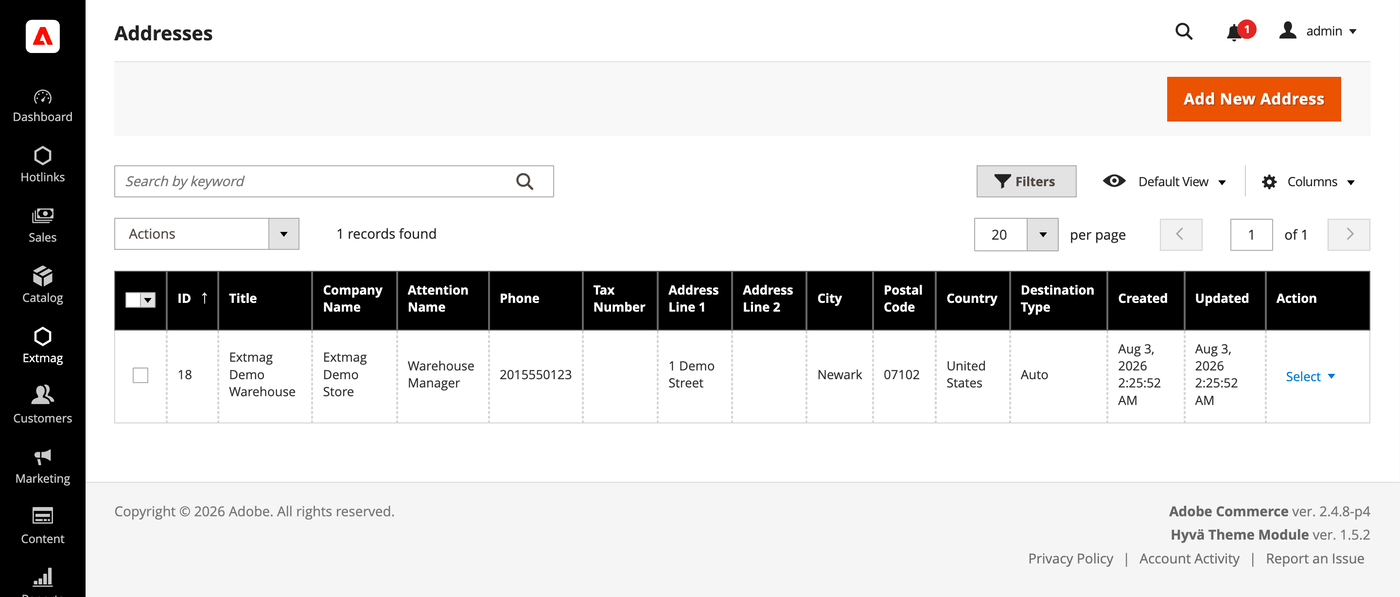
- Click the “Add New Address” button.
- Fill in the company name, contact, phone and full address, then click “Save”. Add one address per location you ship from — they are selected separately as the billing address and the ship-from address.
Package Boxes
- Go to Admin Main Menu -> Extmag -> Settings -> Package Boxes.
- Click the “Add New Box” button.
- Enter the inner and outer dimensions, the empty weight and the maximum load, then click “Save”. The packer uses these boxes to work out how an order is split across packages, so the more of your real boxes are listed the closer the quoted rate is to what you are charged.
Shipping Methods
- Go to Admin Main Menu -> Extmag -> Shipping Methods.
- Click the “Add New Shipping Method” button.
- Choose UPS as the carrier, decide which of its services to show — all of them, a specific list, or only the cheapest or the most expensive — and restrict the method by website and customer group if you need to. Click “Save”.
Configuration
- Go to Admin Main Menu -> Extmag -> Settings -> UPS Configuration.
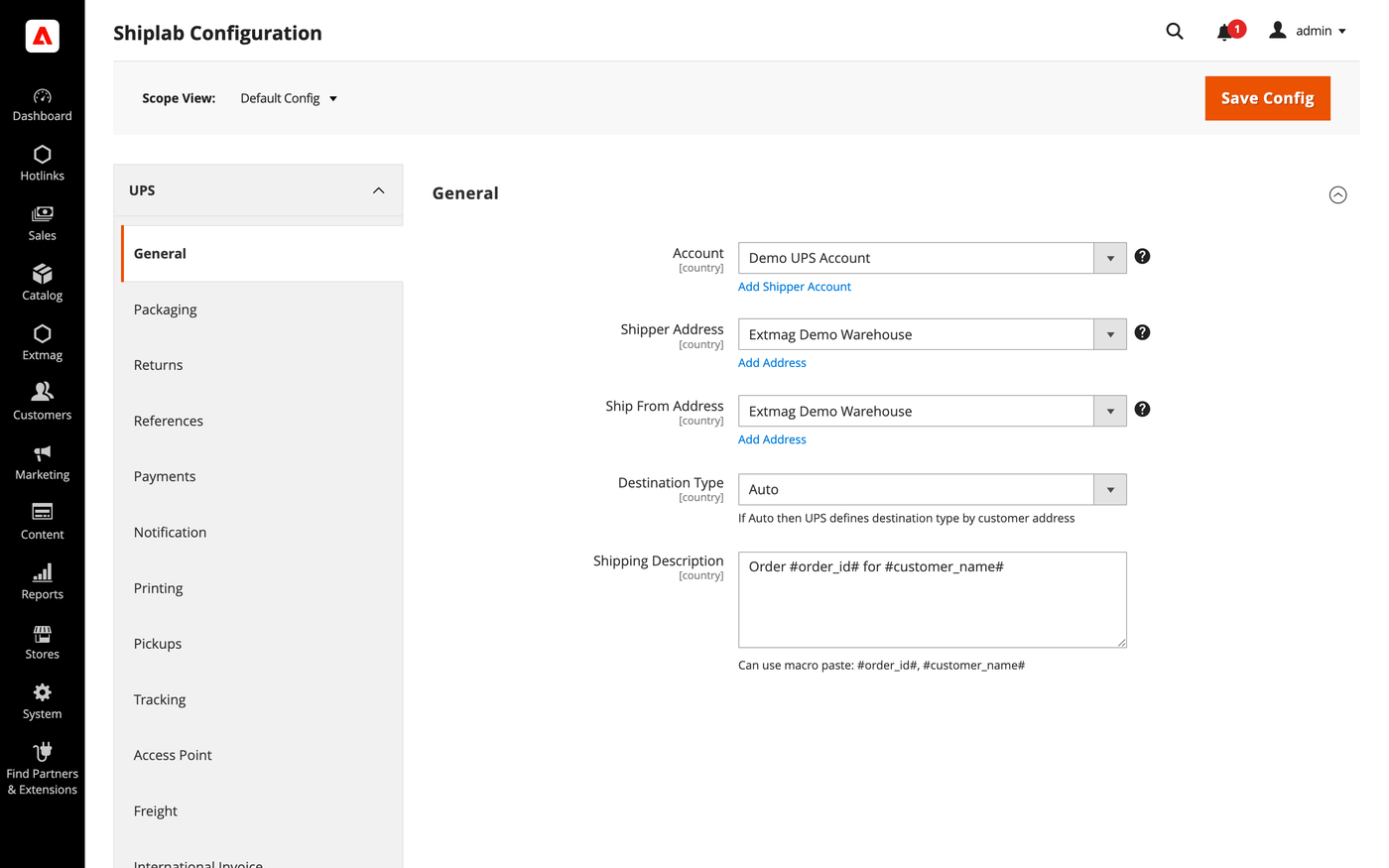
- Open the General tab first and select the shipper account, the billing address and the ship-from address you created above.
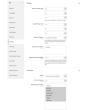
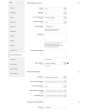
- Work through the remaining tabs, filling in what applies to your account.
The tabs cover:
- General — account, addresses, destination type, the default shipping method and shipping instructions.
- Packaging — packaging type, dimensions and how an order is split across packages.
- Returns — return labels and RMA handling.
- References — the reference numbers printed on the label and their bar codes.
- Payments — who is billed for the shipment and duties, and the payer account details.
- Notification — the events the carrier notifies about and the recipients.
- Printing — document formats and the printer used for each document type.
- Pickups — whether pickups are booked automatically after a label is created or scheduled manually.
- Tracking — how often parcels are polled and how statuses are written back to the order.
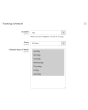
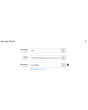
- Access Point — delivery to a UPS Access Point instead of an address, and the notifications that go with it.
- Freight — shipments of 150 lbs and over, with their own handling units and freight class.
- International Invoice — the paperless commercial invoice, its signature image and customs content.
- Automatic — when labels are created without an operator.
- Mass Actions — creating labels in bulk from the order grid.
- Manual Actions — creating a single label from an order.
- Other Options — logging and the remaining carrier-level switches.
Every setting can be applied per website and per destination country, so a rule that only makes sense for one market does not have to affect the rest.
The full field-by-field reference, including the exact configuration paths, is in the Reference Manual supplied with the extension.
3.9.3
Logged the UPS Locator API response via DataSave for diagnostics. Refreshed the Installation Guide, User Guide, and Reference Manual.
3.9.2
Replaced $block->escapeHtmlAttr calls with injected Escaper in Access Point admin button template. Refactored access-point locator iframe to load map JS externally for CSP compatibility and whitelisted Bing Maps hosts. Shiplab: Replace raw filesystem calls in settings import with Magento file driver.
3.9.1
Replaced $block->escapeHtmlAttr calls with injected Escaper in Access Point admin button template. Refactored access-point locator iframe to load map JS externally for CSP compatibility and whitelisted Bing Maps hosts. Shiplab: Replace raw filesystem calls in settings import with Magento file driver.
3.9.0
Shiplab: Added zero-weight guard and weight diagnostics for shipping rate calculation. Shiplab: Removed legacy Additional Price fields and migrated data to price rules.
3.8.9
Replaced multiselect with category chooser for dangerous goods product categories field. Shiplab: Replaced multiselect categories with AJAX tree chooser in dimension config. Added support Magento 2.4.9 and Adobe Commerce 2.4.9
3.8.8
Shiplab: Fixed attribute ID retrieval order in category EAV setup patch.
3.8.7
Shiplab: Added response post-processing hook and fixed logo data handling.
3.8.6
Shiplab: Added BlackoutRules feature with full CRUD, date picker mixin, and schedule migration.
3.8.5
Fixed service array initialization in Rate response parser to prevent data leakage between loop iterations. Shiplab: Fixed null safety issues and added numeric attribute validation. Added support Magento 2.4.8-p4 and Adobe Commerce 2.4.8-p4
3.8.4
Fixed service code resolution to preserve value set during step three.
3.8.3
Optimized the algorithms for packing items into boxes to ensure better efficiency.
3.8.2
Added email field to addresses and new macros for shipping description.
Added custom address attribute support and fixed config value handling.
Refactored AttributesOfCustomerAddress to use CollectionFactory.
Fixed duplicate Access Point creation by checking existing records before save.
3.8.1
Fixed bundle product handling for Ship Separately/Together and price/weight types.
Added config option to include zero-price bundle children in international invoices.
Fixed property type declarations for PHP 8.x compatibility.
3.8.0
Fixed loadedData check in DataProvider classes for PHP 8.x compatibility.
Fixed place order callback to pass data for proper Braintree payment handling.
3.7.9
Refactored code.
3.7.8
Added support for PHP 8.4
3.7.7
Fixed an issue with saving the Access Point address.
3.7.6
Added support Magento 2.4.8-p3 and Adobe Commerce 2.4.8-p3
3.7.5
Fixed a bug with the country code for Kosovo
3.7.4
Added support Magento 2.4.8-p2 and Adobe Commerce 2.4.8-p2
3.7.3
Fixed a bug with the Schedule New Update form on the category page
3.7.2
Fixed the discount price for the International invoice
3.7.1
Added the selected Access Point display to the checkout payment step.
3.7.0
Fixed a bug with the field City and the Access Point popup in the checkout page
3.6.9
Fixed the PhoneNumber field for UPS Location API
3.6.8
Fixed Distance Unit Of Measurement for the UPS Access Point
Added support Magento 2.4.8-p1 and Adobe Commerce 2.4.8-p1
Update the UPS API version in the module
Fixed QV Notification Services with new UPS API version
3.6.7
Added support Magento 2.4.8 and Adobe Commerce 2.4.8
3.6.6
Fixed a bug when the order has only virtual products
3.6.5
Added support Magento 2.4.7-p5 and Adobe Commerce 2.4.7-p5
3.6.4
Added support Magento 2.4.7-p4 and Adobe Commerce 2.4.7-p4
3.6.3
Fixed a bug with UPS Access Point Locator with non-UPS shipping methods
3.6.2
Fixed a bug with the Access Point Locator when the Drop Location is not an array
3.6.1
Fixed a bug with an empty Access Point country code
3.6.0
Fixed a bug with SplitButton for the order view page in the admin panel
3.5.9
Fixed logs for shipping rates
Added support Magento 2.4.7-p3 and Adobe Commerce 2.4.7-p3
3.5.8
Fixed the price format on the label creation page in the admin panel.
Improved the integration with the Hyva Theme.
3.5.7
Fixed formattedAccessPointAddress in email templates for Access Point
3.5.6
Added email templates for Access Point address.
Fixed Tracking.php. Fixed logs with config_snapshot.
Fixed zero baseSubTotal.
3.5.5
Fixed a bug with division by zero
3.5.4
Fixed a bug with the StateProvince code for the pickup location
3.5.3
Fixed a bug with a recursive function for shipping rates
3.5.2
Fixed a bug with shipping rates debugging.
Fixed CSP for printing by websocket.
3.5.1
Fixed bug with the deactivating module
3.5.0
Fixed bug with afterGetAPIUrl plugin
3.4.9
Fixed the z-index issue on the label details page.
Added support Magento 2.4.7-p2 and Adobe Commerce 2.4.7-p2
3.4.8
Fixed the z-index issue on the label details page.
Added support Magento 2.4.7-p2 and Adobe Commerce 2.4.7-p2
3.4.7
Fixed bug with Saturday Delivery
3.4.6
Removed polyfill javascript library for Google Maps
3.4.5
Added support Magento 2.4.7-p1 and Adobe Commerce 2.4.7-p1
3.4.4
Fixed cache for shipping rates
3.4.3
Fixed Locator API URL for the sandbox mode
3.4.2
The issue with printing return labels on the customer side has been fixed.
3.4.1
Fixed the packaging box selector
3.4.0
Fixed calculation of the estimated value of a parcel including a discount, which caused the error "Missing or Invalid Monetary Value of Commodity 1's Commodity Value"
3.3.9
Fixed the Origination Names
3.3.8
The issue related to the customer group and guest order creation in the admin panel has been fixed
3.3.7
Fixed bug with empty shipping method name
3.3.6
Added support Magento 2.4.7 and Adobe Commerce 2.4.7
3.3.5
Integration with Hyva Theme and Hyva Checkout has been added
3.3.4
Fixed the bug with OAuth token and Freight Rates
3.3.3
Added support Magento 2.4.6-p4 and Adobe Commerce 2.4.6-p4
3.3.2
Improve cache for the shipping rate request
3.3.1
Improve the speed of calculating rules
3.3.0
Fixed the JS bug with placing the order
3.2.9
Fixed a bug that occurred when mass-creating delivery labels
3.2.8
Fixed the bug with the commodity code for the International Invoice
3.2.7
Added messages for errors in saving shipping labels
3.2.6
Fixed the Carbon Neutral indicator
3.2.5
Fixed the bug with configuration and printing_character_set option
3.2.4
Updated linked modules
3.2.3
Added the ability to rename original courier shipping methods
3.2.2
Updated CSP politics for the UPS Access Point popup
3.2.1
Added support Magento 2.4.6-p3 and Adobe Commerce 2.4.6-p3
3.2.0
Added Google and Bing maps to the UPS Access Point popup.
3.1.4
Integrated the UPS Access Point in the IOSC Onestepcheckout module
3.1.3
Integrated the UPS Access Point in the IOSC Onestepcheckout module
3.1.2
Fixed the packer for packages of the shipment
3.1.1
Fixed a bug with downloading shipping logs
3.1.0
Fixed the data type of the Service Code
3.0.9
Added two options "Show Method if Not Applicable" and "Displayed Error Message" in the Extmag Shipping method configuration
3.0.8
Fixed bug with shipper_tax_number field in the UPS shipping method configuration
3.0.7
Set packaging type code by default in configuration with module installation
Fixed a bug when it was impossible to save the Shiplab configuration in Magento 2.4.6-p1
3.0.6
Fixed PDP printing with the QZ Tray program
3.0.5
Support the QZ Tray program for printing labels.
3.0.4
Fixed bug with Sales Rules.
Removed deprecated code.
3.0.3
Fixed sources for orders after saving the tracking number
Added support Magento 2.4.6-p2 and Adobe Commerce 2.4.6-p2
3.0.2
Added logging for OAuth generating token
3.0.1
Fixed calculating prices for shipping methods.
Fixed shipping price rules.
3.0.0
Added support for UPS API OAuth 2.0
Fixed minor bugs
2.8.7
Improved selection of Websites and Customer Groups for Shipping Methods
2.8.6
Fixed bugs of Access Point on the checkout page of the admin panel
2.8.5
Fixed Top Text for UPS Access Point popup on checkout page
2.8.4
Fixed shipping rates for UPS Access Points
Added top text for Access Point popup
2.8.3
Added support Adobe Commerce 2.4.6-p1
2.8.2
Added the functionality of substituting the default address for the country if the customer entered an incorrect delivery address.
2.8.1
Added the integration of the UPS Access Point with the BSS OneStepCheckout extension
2.8.0
Fix bug with musltiselect fields and values as type integer
2.7.9
Added the new buttons to the Shipping Label view page. These buttons lead to the corresponding shipping and order pages.
2.7.8
Fixed bug with calculating discount and tax for shipping rates
2.7.7
Fixed bug with the Volume Weight switcher
2.7.6
Support PHP 8.1
Improved supporting Adobe Commerce (Magento) 2.4.6
2.7.5
Support Adobe Commerce (Magento) 2.4.6
Fixed bug with the type of variables
2.7.4
Fixed some bugs to support PHP 8.1
2.7.3
Added max volumetric weight for a package.
Added type of volumetric weight value.
Fixed some bugs with volumetric weight.
2.7.2
Fixed a bug with the volumetric weight
2.7.1
Updated dependencies.
Fixed some minor bugs.
2.7.0
Added support for Product Volumetric Weight
2.6.3
Fixed the PHP warnings
2.6.2
Support Adobe Commerce (Magento) 2.4.5-p1
2.6.1
Fixed country_id condition type for shipping method rules
2.6.0
Fixed a few bugs linked with PHP 8.1
Added "Additional Price Actions" for applying multiple rules for the shipping method.
2.5.5
Support Magento 2.4.4
2.5.4
Added carrier logo to shipping methods.
Fixed some bugs.
Support PHP 8
2.5.3
Added carrier logo to shipping methods.
Fixed some bugs.
2.5.2
Improve PHP code.
Removed json_request_data field from the form of creating labels
2.5.1
Fixed js for the form of step two
2.5.0
Go to subscription
2.4.0
Change the display of prices with and without duties and taxes
2.3.0-2.3.4
Sending email with creating return labels and added a new email template
Changed code for compatibility PHP version 7.4 and high
Changed UPS Access Point popup
Added Freight Shipping
Added Custom UPS Access Point popup
2.2.0
By default, the address specified in the store settings is used, if the address is not created and selected in the extension settings.
When deleting a label, its tracking number is also removed from the order and shipping.
If the product is configurable, then the name of its child is used for the international invoice.
Added the ability to enable the use of a direct link to the carrier's website to receive tracking information in the admin panel and in letters sent to customers.
For international invoices, added the ability to specify the Discount / Rebate amount.
2.0.0-2.1.0
Added the ability to control the display of shipping methods by date, time of day, and days of the week.
Added the ability to download log files from the log list page.
Added EORI Number
1.3.0-1.9.0
The new option "Allowed areas" was added. It shows the shipping method in admin only
Added "country from" and "country to" in the Directions column on the labels grid page
Added Consignee VAT/Tax/EORI ID
Support UK Brexit
Added links to order, shipment, creditmemo, and user account in the grid of shipping labels
Added the Create a new label item in the Action column to the grid of shipping labels, which allows you to create another shipping label for the same order and shipment
Added dependency from Core module
Fixed bug with system configuration
Fixed bug with access control list
Fixed access control list and admin menu
Added additional print button on order and shipment page in admin
Added PHP library textalk/websocket.
Added print by the network.
Added auto print.
