
Video Pro für Magento® 2.x

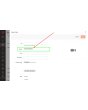
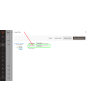
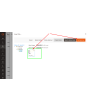
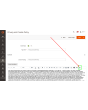
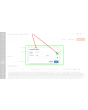
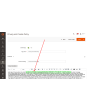
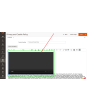
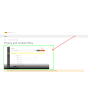
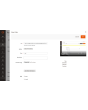
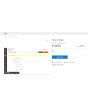
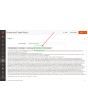
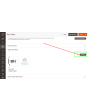
Die Video-Pro-Erweiterung erlaubt Ihnen, eigene Videodateien auf Ihren Server hochzuladen und nach Bedarf zu verwalten. Nach dem Upload können Sie das Video überall in Ihrem Inhalt sowie in der Produkt-Galerie einbetten.
Funktionen
- Hochladen eigener Videodateien
- Unterstützung der meisten Formate (MPEG-4, WebM, Ogg, Flv, AVI, MOV, WMV)
- Einfaches Hinzufügen eigener Videos zur Produkt-Galerie
- Verbessertes Einbetten von Videos aus YouTube und Vimeo
- Kompatibel mit Hyva Theme und Hyva Checkout
Demo
Sie können diese Erweiterung 30 Tage lang testen. Die Demo fordern Sie direkt auf dieser Seite über Demo anfordern an; wie das abläuft, steht unter Eine Erweiterung 30 Tage lang testen.
| CMS | Magento 2 |
|---|---|
| Kompatibilität | 2.4, 2.3, 2.2, 2.1, 2.0 |
| Funktionen |
|
Die Erweiterung wird mit Composer installiert. Welches Repository Sie einbinden, hängt davon ab, wo Sie sie gekauft haben — die Installation selbst ist in beiden Fällen dieselbe.
1. Repository einbinden
Auf extmag.com gekauft. Ihre Kontoseite zeigt die Repository-Adresse und Ihre persönlichen Zugangsdaten samt den beiden composer config-Befehlen zum Einfügen. Führen Sie sie einmal pro Projekt aus; danach steht jede Erweiterung, die Sie besitzen, aus demselben Repository zur Verfügung.
Auf dem Adobe Commerce Marketplace gekauft. Das Paket wird von repo.magento.com ausgeliefert, das in den meisten Shops bereits eingerichtet ist. Falls nicht, tragen Sie die Access Keys aus Ihrem Adobe-Konto unter My Profile -> Access Keys ein.
2. Erweiterung installieren
Im Projektverzeichnis ausführen:
composer require extmag/videopro
php bin/magento setup:upgrade
php bin/magento cache:flush
Composer löst die gemeinsam genutzten Extmag-Pakete auf, von denen die Erweiterung abhängt — von Hand ist nichts weiter zu fordern.
Melden Sie sich vom Admin ab und wieder an, dann ist die Erweiterung einsatzbereit.
Vor dem Kauf ausprobieren
Sie können eine 30-Tage-Demo dieser Erweiterung anfordern und sie genau wie oben installieren — gleiches Paket, gleiches Repository, gleiche Befehle. Wie Demos funktionieren.
Installation ohne Composer
Das Archiv lässt sich stattdessen nach app/code/Extmag/ entpacken, doch damit steht die Erweiterung außerhalb der Abhängigkeitsverwaltung: Ihre gemeinsam genutzten Pakete müssen von Hand installiert werden und Updates erreichen sie nie. Nutzen Sie für jeden Shop, den Sie betreiben, Composer — auch für die Demo.
Bei Fragen zur Installation wenden Sie sich bitte an unseren technischen Support.
-
User Guide User Guide.pdf · 2.1 MBHerunterladen
-
Reference Manual Reference Manual.pdf · 305.9 KBHerunterladen
-
Installation Guide Installation Guide.pdf · 247.1 KBHerunterladen
Video Pro braucht keine Einrichtung über die Wahl der zulässigen Dateiformate und des Verhaltens des Players hinaus. Alles Weitere passiert dort, wo Sie ohnehin arbeiten — in der Mediengalerie und im Produktformular.
Konfiguration
- Gehen Sie zu Stores -> Configuration -> Extmag -> Video Pro -> General.
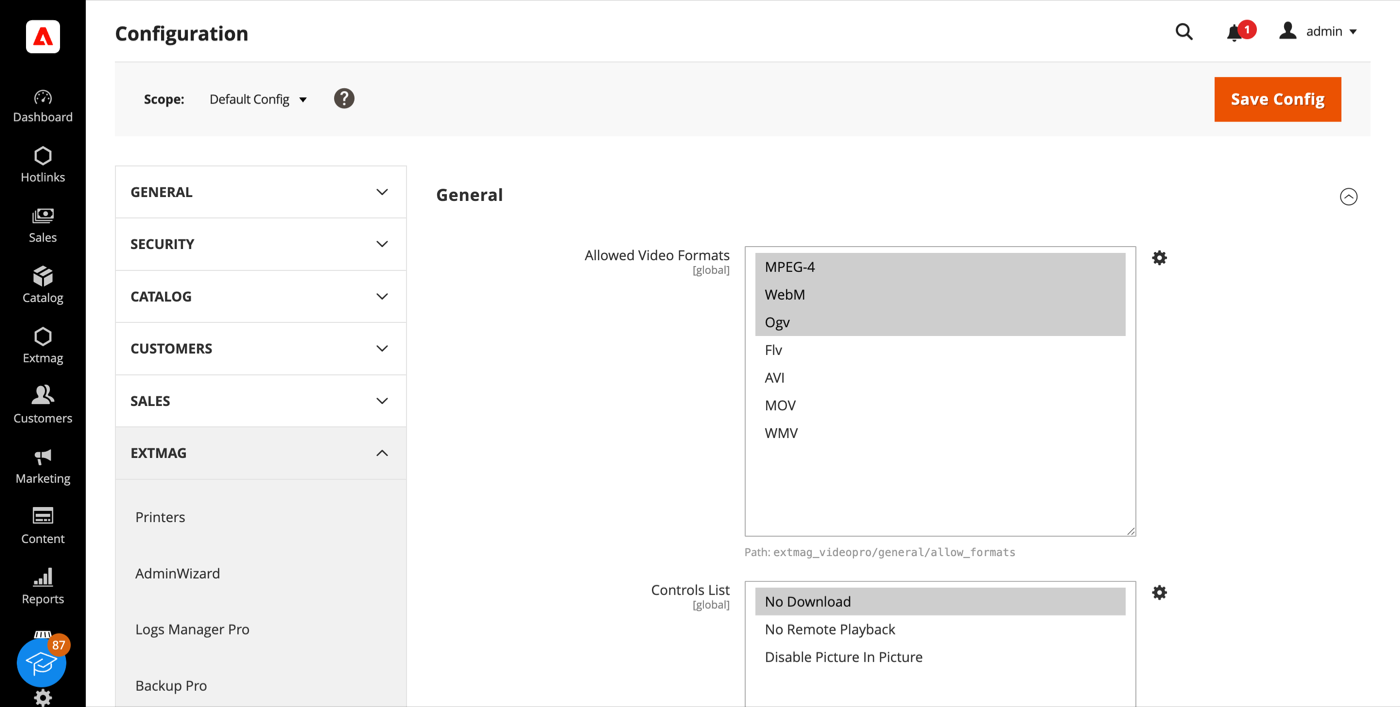
- Wählen Sie unter Allowed Video Formats die Formate, die der Dateibrowser annimmt. MP4 und WebM zusammen decken praktisch jeden modernen Browser ab; Ogv ist eine Nischenergänzung. Flv, AVI, MOV und WMV werden angeboten, damit vorhandene Dateien abgelegt und referenziert werden können — abspielen können Browser sie jedoch nicht von sich aus.
- Legen Sie unter Controls List die Einschränkungen des Players fest: Download-Schaltfläche ausblenden, Streaming auf ein anderes Gerät unterbinden oder Bild-in-Bild abschalten.
- Klicken Sie auf „Save Config“. Neue Formate greifen, sobald der Dateibrowser das nächste Mal geöffnet wird; Änderungen an der Controls List brauchen einen Cache-Flush, weil die Player-Attribute aus einem zwischengespeicherten Layout-Block geschrieben werden.
Ein Video hochladen
Videos werden über die normale Mediengalerie hochgeladen — derselbe Dialog wie bei Bildern. Video Pro ergänzt neben Upload Images eine Zeile Upload Videos, die Magento von Haus aus nicht bietet.
- Öffnen Sie ein Produkt und klappen Sie den Abschnitt Images And Videos auf.
- Klicken Sie auf Add Video und dann auf Select from Gallery.
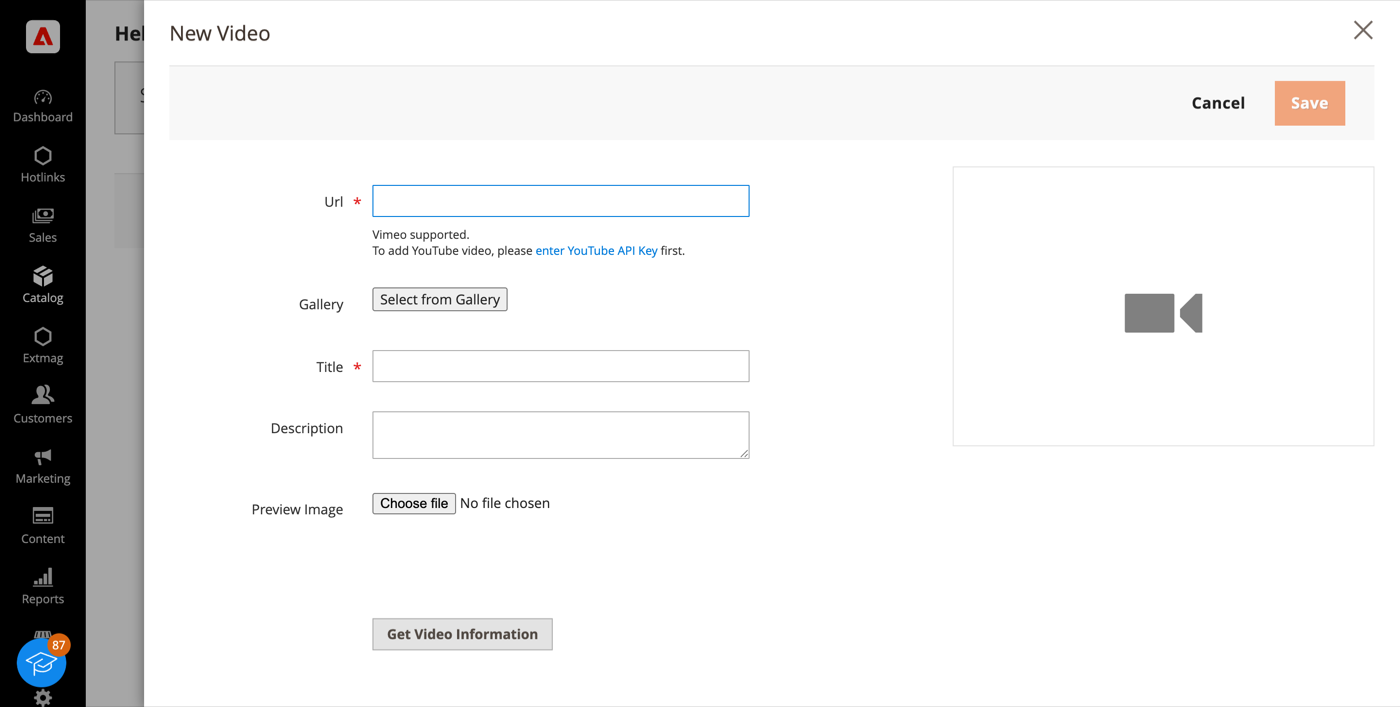
- Laden Sie die Datei im Dateibrowser über die Zeile Upload Videos hoch oder wählen Sie eine bereits vorhandene. Die Dateien landen unter
pub/media/wysiwyg/— legen Sie vorher einen Unterordner an, wenn Sie Ordnung halten möchten. - Klicken Sie auf Add Selected, geben Sie dem Video einen Titel und speichern Sie.
Derselbe Dateibrowser öffnet sich aus dem WYSIWYG-Editor einer CMS-Seite oder eines Blocks. Ein einmal hochgeladenes Video lässt sich damit in Produktgalerien, Kategoriebeschreibungen, Blöcken und Page-Builder-Inhalten wiederverwenden, ohne es erneut hochzuladen.
YouTube und Vimeo
Extern gehostete Videos funktionieren weiterhin wie bisher. Fügen Sie die URL in das Feld Url desselben Dialogs ein — Vimeo läuft sofort, für YouTube muss zuvor ein API-Schlüssel in der Magento-Konfiguration hinterlegt werden.
Im Shop
Hochgeladene Videos erscheinen in der Produktgalerie neben den Bildern und laufen im HTML5-Player des Browsers, mit den Einschränkungen, die Sie in der Controls List gesetzt haben. Nichts wird von einem Drittanbieter geladen, also lädt das Video so lange wie Ihr Shop — kein externer Player, kein Tracking, keine Abhängigkeit von fremder Verfügbarkeit.
Für große Uploads müssen unter Umständen upload_max_filesize und post_max_size in der php.ini erhöht werden; die genauen Werte stehen im Installation Guide, der der Erweiterung beiliegt.
1.5.2
Applied controlsList inline on RequireJS-free (Hyva) storefronts.
1.5.1
Switch templates to Escaper instead of deprecated block escape methods. Render Videopro config script via SecureHtmlRenderer for CSP compliance.
1.5.0
Added support Magento 2.4.9 and Adobe Commerce 2.4.9
1.4.9
Added support Magento 2.4.8-p4 and Adobe Commerce 2.4.8-p4
1.4.8
Refactored code.
1.4.7
Added configuration option "Controls List" for the video tag.
You can select following items:
No Download
No Remote Playback
Disable Picture In Picture
1.4.6
Added support Magento 2.4.8-p3 and Adobe Commerce 2.4.8-p3
1.4.5
Fixed a bug with uploading video for Magento 2.4.8 and Adobe Commerce 2.4.8
1.4.4
Fixed a bug with deleting video files from the gallery. Use the new jquery-uppy plugin for uploading files for Magento 2.4.8 and Adobe Commerce 2.4.8
1.4.3
Added support Magento 2.4.8-p2 and Adobe Commerce 2.4.8-p2
1.4.2
Added support Magento 2.4.8-p1 and Adobe Commerce 2.4.8-p1
1.4.1
Added support Magento 2.4.8 and Adobe Commerce 2.4.8
1.4.0
Added support Magento 2.4.7-p5 and Adobe Commerce 2.4.7-p5
1.3.9
Added support Magento 2.4.7-p4 and Adobe Commerce 2.4.7-p4
1.3.8
Added support Magento 2.4.7-p3 and Adobe Commerce 2.4.7-p3
1.3.7
Added support Magento 2.4.7-p2 and Adobe Commerce 2.4.7-p2
1.3.6
Added support Magento 2.4.7-p1 and Adobe Commerce 2.4.7-p1
1.3.5
Added support Magento 2.4.7 and Adobe Commerce 2.4.7
1.3.4
Added support Magento 2.4.6-p4 and Adobe Commerce 2.4.6-p4
1.3.3
Added support Magento 2.4.6-p3 and Adobe Commerce 2.4.6-p3
1.3.2
Added support Magento 2.4.6-p2 and Adobe Commerce 2.4.6-p2
1.3.1
Added support Adobe Commerce 2.4.6-p1
1.3.0
Support Adobe Commerce (Magento) 2.4.6
Support PHP 8.1
1.2.0
Added supporting the custom video for the Page Builder
1.1.3
Improved the PHP code
1.1.2
Fixed PHP warnings
1.1.1
Fixed bug with Magento version 2.4.3-p3 and earlier.
Refactoring code.
1.0.0
Added the ability to upload video files through the media gallery and many more options for working with video in the admin panel