
Video Pro para Magento® 2.x

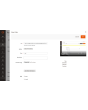
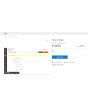
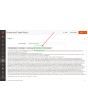
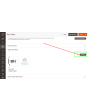
A extensão Video Pro permite que você faça upload de seus próprios arquivos de vídeo para o servidor e os gerencie conforme necessário. Após o upload, você pode incorporar o vídeo em qualquer lugar do seu conteúdo, bem como na galeria do produto.
Funcionalidades
- Upload de arquivos de vídeo próprios
- Suporte à maioria dos formatos (MPEG-4, WebM, Ogg, Flv, AVI, MOV, WMV)
- Adição fácil de vídeos próprios à galeria do produto
- Incorporação aprimorada de vídeos do YouTube e Vimeo
- Compatível com Hyva Theme e Hyva Checkout
Demonstração
Você pode testar esta extensão por 30 dias. Solicite a demonstração nesta mesma página com Solicitar demonstração; como funciona está explicado em Teste uma extensão por 30 dias.
| CMS | Magento 2 |
|---|---|
| Compatibilidade | 2.4, 2.3, 2.2, 2.1, 2.0 |
| Recursos |
|
A extensão é instalada com o Composer. Qual repositório você adiciona depende de onde a comprou — a instalação em si é a mesma nos dois casos.
1. Conectar o repositório
Comprada na extmag.com. A página da sua conta mostra o endereço do repositório e suas credenciais pessoais, junto com os dois comandos composer config para colar. Execute-os uma vez por projeto; depois disso, toda extensão que você possui fica disponível no mesmo repositório.
Comprada no Adobe Commerce Marketplace. O pacote é servido de repo.magento.com, que a maioria das lojas já tem configurado. Se não for o caso, adicione as access keys da sua conta Adobe em My Profile -> Access Keys.
2. Instalar a extensão
Execute na raiz do projeto:
composer require extmag/videopro
php bin/magento setup:upgrade
php bin/magento cache:flush
O Composer resolve os pacotes Extmag compartilhados dos quais a extensão depende, então não há mais nada a exigir manualmente.
Saia do admin e entre novamente: a extensão está pronta.
Testar antes de comprar
Você pode pedir uma demonstração de 30 dias desta extensão e instalá-la exatamente como acima: mesmo pacote, mesmo repositório, mesmos comandos. Como funcionam as demonstrações.
Instalar sem o Composer
O arquivo pode ser descompactado em app/code/Extmag/, mas isso deixa a extensão fora do gerenciamento de dependências: os pacotes compartilhados precisam ser instalados à mão e as atualizações nunca chegam até ela. Use o Composer em qualquer loja que você opere, inclusive na demonstração.
Para qualquer dúvida sobre a instalação, fale com nosso suporte técnico.
-
User Guide User Guide.pdf · 2.1 MBDownload
-
Reference Manual Reference Manual.pdf · 305.9 KBDownload
-
Installation Guide Installation Guide.pdf · 247.1 KBDownload
O Video Pro não exige configuração além de escolher quais formatos de arquivo a loja aceita e como o player se comporta. Todo o resto acontece onde você já trabalha: a galeria de mídia e o cadastro do produto.
Configuração
- Vá em Stores -> Configuration -> Extmag -> Video Pro -> General.
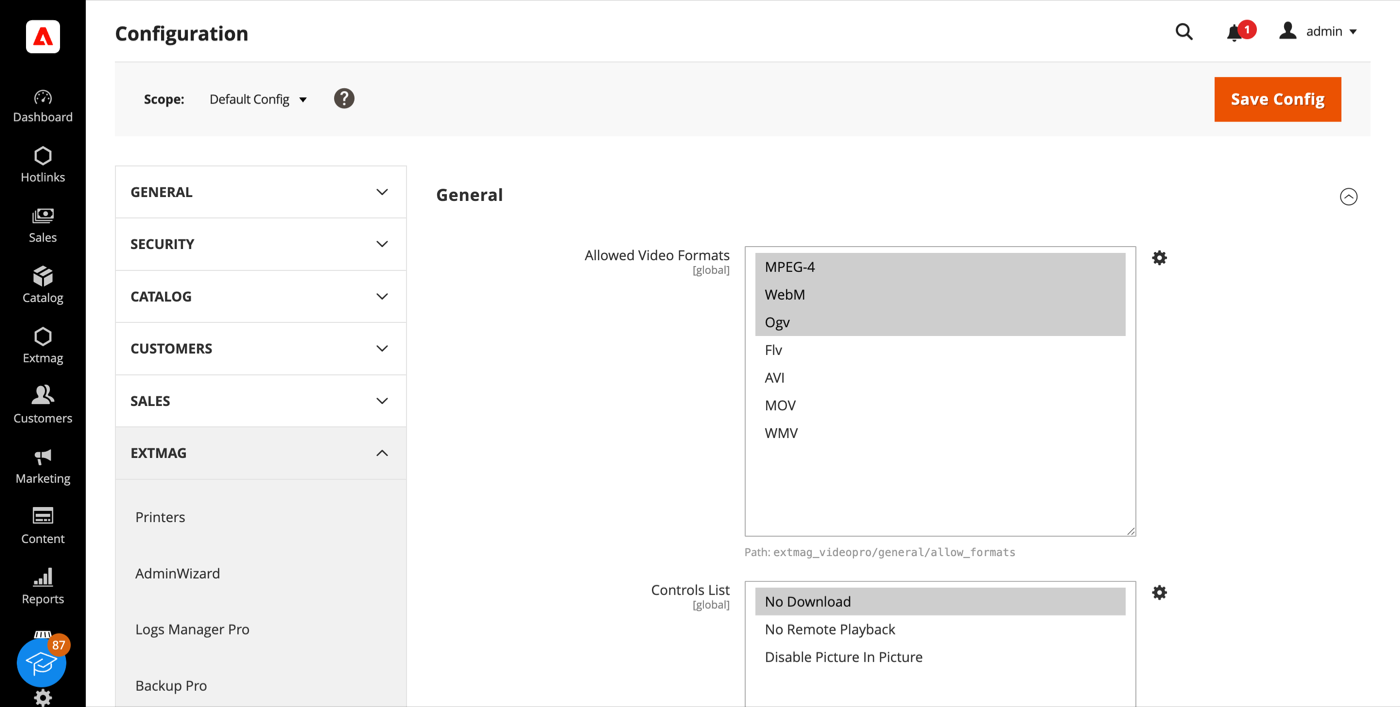
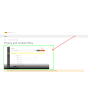
- Escolha em Allowed Video Formats os formatos que o navegador de arquivos aceitará. MP4 e WebM juntos cobrem praticamente qualquer navegador moderno; Ogv é um acréscimo de nicho. Flv, AVI, MOV e WMV são oferecidos para que arquivos já existentes possam ser armazenados e referenciados, mas os navegadores não conseguem reproduzi-los nativamente.
- Defina em Controls List as restrições do player: ocultar o botão de download, bloquear a transmissão para outro dispositivo ou desativar o picture-in-picture.
- Clique em «Save Config». Os novos formatos passam a valer na próxima vez que o navegador de arquivos for aberto; mudanças na Controls List exigem limpar o cache, porque os atributos do player são gravados a partir de um bloco de layout em cache.
Enviar um vídeo
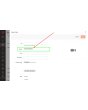
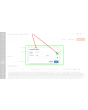
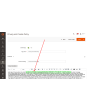
Os vídeos são enviados pela galeria de mídia de sempre, a mesma janela usada para imagens. O Video Pro acrescenta ali uma linha Upload Videos ao lado de Upload Images, que o Magento não oferece de fábrica.
- Abra um produto e expanda a seção Images And Videos.
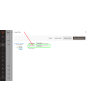
- Clique em Add Video e depois em Select from Gallery.
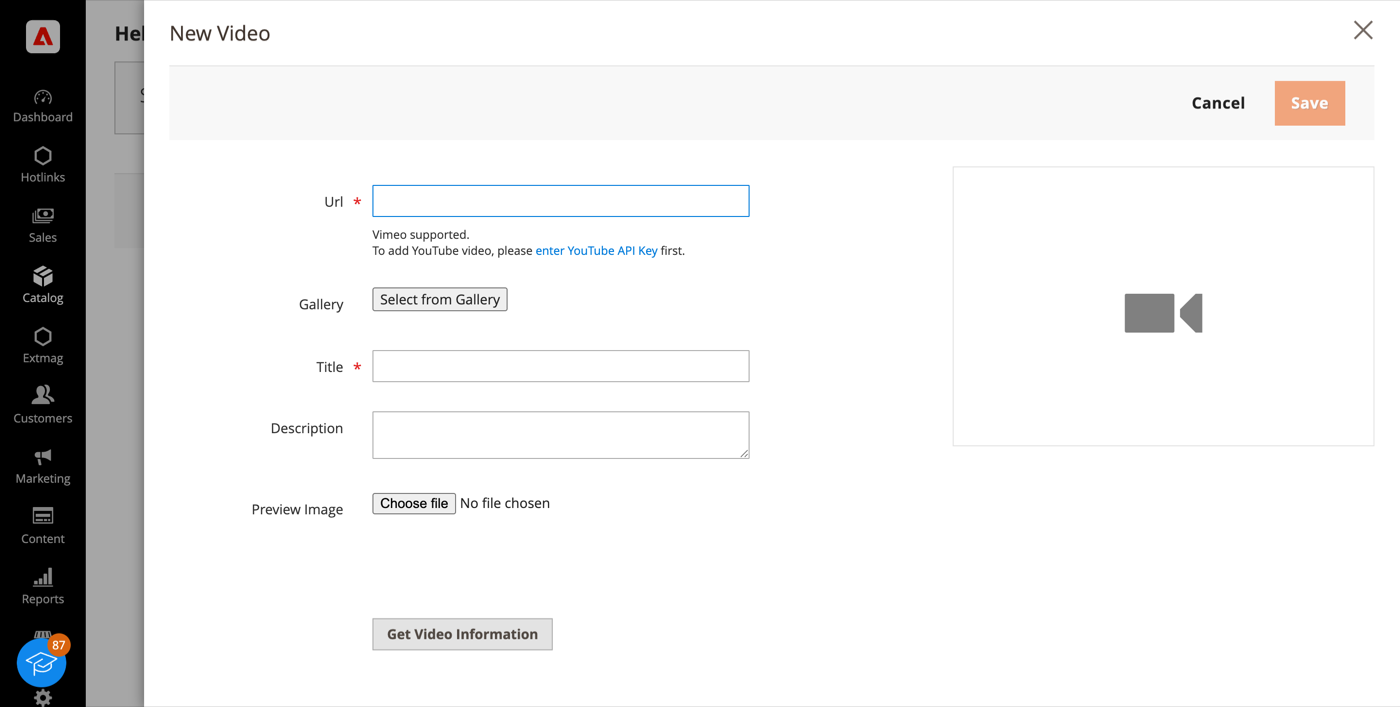
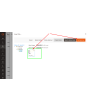
- No navegador de arquivos, envie o arquivo pela linha Upload Videos ou escolha um que já esteja lá. Os arquivos vão para
pub/media/wysiwyg/— crie antes uma subpasta se quiser mantê-los organizados. - Clique em Add Selected, dê um título ao vídeo e salve.
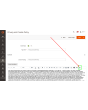
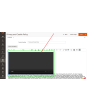
O mesmo navegador de arquivos abre a partir do editor WYSIWYG de uma página ou bloco CMS, de modo que um vídeo enviado uma vez pode ser reaproveitado em galerias de produto, descrições de categoria, blocos e conteúdos do Page Builder sem enviá-lo de novo.
YouTube e Vimeo
Vídeos hospedados fora continuam funcionando como antes. Cole a URL no campo Url dessa mesma janela: o Vimeo funciona de imediato, o YouTube exige antes uma chave de API informada na configuração do Magento.
Na loja
Os vídeos enviados aparecem na galeria do produto ao lado das imagens e são reproduzidos no player HTML5 do próprio navegador, com as restrições definidas na Controls List. Nada é buscado em serviço de terceiros, então o vídeo continua carregando enquanto a sua loja carregar: sem player externo, sem rastreamento e sem depender da disponibilidade alheia.
Envios grandes podem exigir aumentar upload_max_filesize e post_max_size no php.ini; os valores exatos estão no Installation Guide que acompanha a extensão.
1.5.2
Applied controlsList inline on RequireJS-free (Hyva) storefronts.
1.5.1
Switch templates to Escaper instead of deprecated block escape methods. Render Videopro config script via SecureHtmlRenderer for CSP compliance.
1.5.0
Added support Magento 2.4.9 and Adobe Commerce 2.4.9
1.4.9
Added support Magento 2.4.8-p4 and Adobe Commerce 2.4.8-p4
1.4.8
Refactored code.
1.4.7
Added configuration option "Controls List" for the video tag.
You can select following items:
No Download
No Remote Playback
Disable Picture In Picture
1.4.6
Added support Magento 2.4.8-p3 and Adobe Commerce 2.4.8-p3
1.4.5
Fixed a bug with uploading video for Magento 2.4.8 and Adobe Commerce 2.4.8
1.4.4
Fixed a bug with deleting video files from the gallery. Use the new jquery-uppy plugin for uploading files for Magento 2.4.8 and Adobe Commerce 2.4.8
1.4.3
Added support Magento 2.4.8-p2 and Adobe Commerce 2.4.8-p2
1.4.2
Added support Magento 2.4.8-p1 and Adobe Commerce 2.4.8-p1
1.4.1
Added support Magento 2.4.8 and Adobe Commerce 2.4.8
1.4.0
Added support Magento 2.4.7-p5 and Adobe Commerce 2.4.7-p5
1.3.9
Added support Magento 2.4.7-p4 and Adobe Commerce 2.4.7-p4
1.3.8
Added support Magento 2.4.7-p3 and Adobe Commerce 2.4.7-p3
1.3.7
Added support Magento 2.4.7-p2 and Adobe Commerce 2.4.7-p2
1.3.6
Added support Magento 2.4.7-p1 and Adobe Commerce 2.4.7-p1
1.3.5
Added support Magento 2.4.7 and Adobe Commerce 2.4.7
1.3.4
Added support Magento 2.4.6-p4 and Adobe Commerce 2.4.6-p4
1.3.3
Added support Magento 2.4.6-p3 and Adobe Commerce 2.4.6-p3
1.3.2
Added support Magento 2.4.6-p2 and Adobe Commerce 2.4.6-p2
1.3.1
Added support Adobe Commerce 2.4.6-p1
1.3.0
Support Adobe Commerce (Magento) 2.4.6
Support PHP 8.1
1.2.0
Added supporting the custom video for the Page Builder
1.1.3
Improved the PHP code
1.1.2
Fixed PHP warnings
1.1.1
Fixed bug with Magento version 2.4.3-p3 and earlier.
Refactoring code.
1.0.0
Added the ability to upload video files through the media gallery and many more options for working with video in the admin panel