
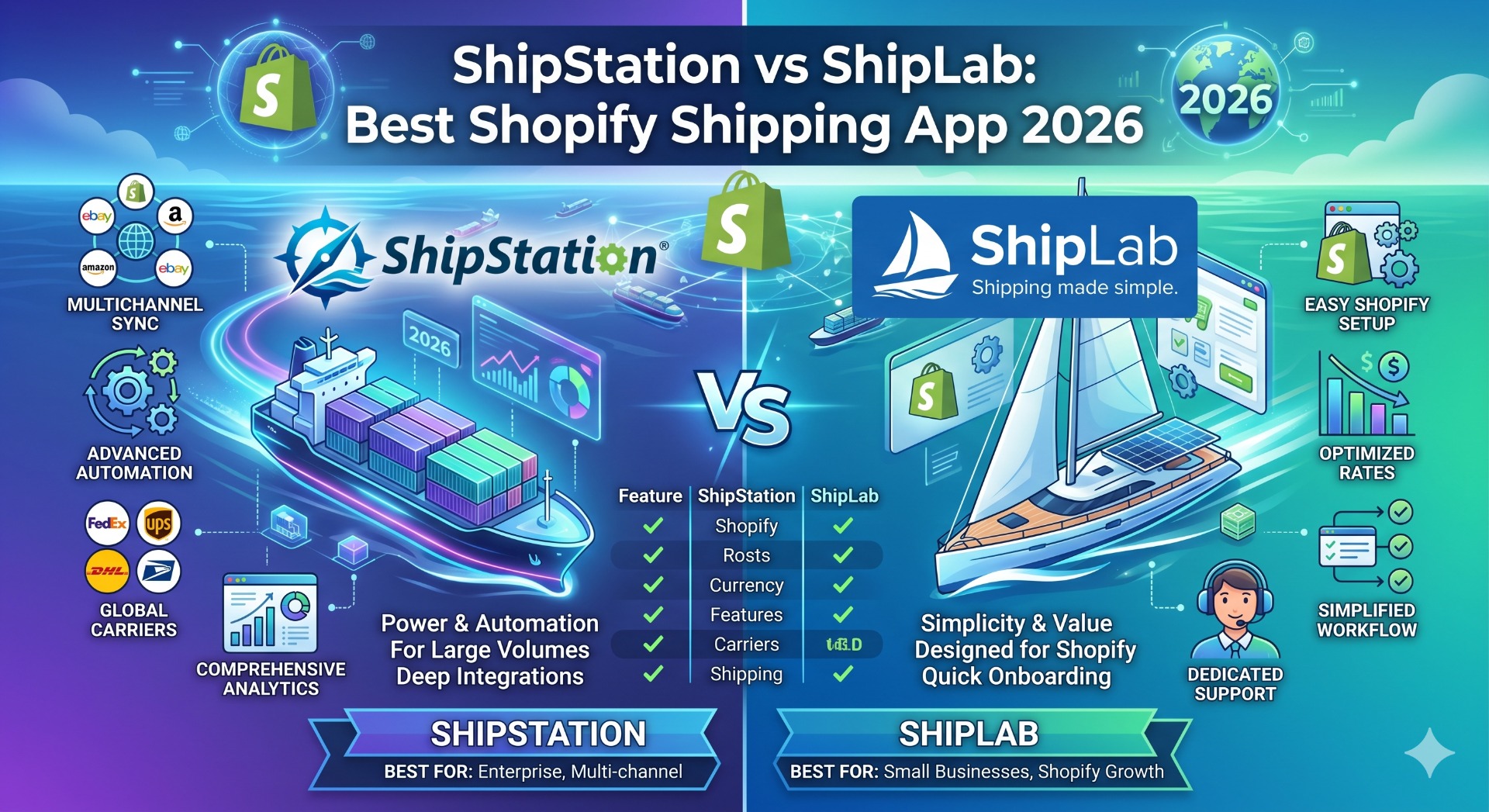
Shopify shipping app comparison
ShipStation vs ShipLab: which shipping platform should your Shopify store run on?
ShipStation is the enterprise-grade workhorse of US ecommerce shipping — multi-marketplace, multi-carrier, deeply integrated, and tier-priced by label volume. ShipLab is the focused, flat-priced alternative built on direct carrier contracts — international and domestic, wherever UPS, DHL Express, Canada Post, or TForce run. They overlap on the surface but solve very different problems. This guide breaks down where each one earns its place. Install ShipLab on the Shopify App Store or read the full product overview on extmag.com.
Quick verdict
- Choose ShipStation if you ship from multiple marketplaces (Shopify + Amazon + eBay + Walmart), need a branded customer tracking and returns portal, run high US-domestic USPS volume, and you accept paying by label-volume tier.
- Choose ShipLab if you are a Shopify-first store shipping internationally or domestically with UPS, DHL Express, Canada Post, or TForce — anywhere from the US, Canada, the UK, the EU, or beyond — and you want a single flat price with no label cap plus first-class customs paperwork (paperless invoice, EORI per country, VAT per scope) for cross-border shipments.
Side-by-side comparison
| Feature | ShipStation | ShipLab |
|---|---|---|
| Starting price | $9.99/month (Starter) — limited to ~50 labels | $5/month base + $7/month per active carrier |
| Label cap on plan | Hard cap per tier (50 → 500 → 1500 → 3000 → 6000 → 7500+) | No label cap — unlimited on the subscription |
| Tier progression price | $9.99 → $29.99 → $59.99 → $99.99 → $149.99 → $229.99/mo (Enterprise) | $19/mo all-in for two carriers regardless of volume |
| Free trial | 30-day trial of higher tier (downgrades after) | 14-day full trial of all features, no card needed |
| Primary market focus | United States (USPS-heavy, multi-marketplace) | International + domestic (UPS, DHL Express, Canada Post, TForce) — works anywhere the merchant has a carrier account |
| Carriers supported | 200+ carriers globally via Auctane network | DHL Express, UPS, Canada Post, TForce (more coming), plus Flat Rate fallback |
| Carrier model | Hybrid — ShipStation negotiated rates plus your own contracts | Direct only — your UPS or DHL contract, no markup, no aggregator |
| Multi-marketplace support | Strong — Shopify, Amazon, eBay, Walmart, Etsy, BigCommerce, WooCommerce | Shopify only — Shopify-native integration |
| Condition builder for shipping rules | Automation rules with if/then triggers; no nested groups | Magento-style nested AND/OR groups: weight, cart total, country, product attributes, schedule |
| Live carrier rates at checkout | Via ShipStation Rates app — separate Shopify extension | Native — registered as a Shopify Carrier Service from your own carrier APIs |
| Paperless commercial invoice (PLT) | Available for international shipments via carrier defaults | First-class — DHL Paperless Trade and UPS Paperless with digital signature |
| EORI / VAT / TIN configuration | Single value per account | Cascading scopes: default → direction → destination country |
| Multi-warehouse routing | Yes — strong, on Bronze tier and above | Built in, tied to Shopify Locations, on every plan |
| Branded tracking page | Yes — fully customisable customer-facing tracking page | Carrier-native (DHL, UPS tracking pages) |
| Branded returns portal | Yes — hosted self-serve returns portal | Customer-account extension for return-label requests |
| Inventory management | Built-in stock tracking and reorder alerts | Relies on Shopify's native inventory (no duplication) |
| Shopify Flow triggers and actions | No | Yes — "Label Created" trigger and "Create Shipping Label" action |
| Thermal printing (ZPL, EPL) | Yes — well-established workflow | Yes, plus network printing via QZ Tray and el-Print |
| 3D bin packing | No | Yes — automatic package selection by weight and dimensions |
| App UI languages | English | EN, DE, ES, FR, IT, NL, PT (pt-BR) |
Pricing: the label-tier trap is real
ShipStation's starting price looks attractive ($9.99/month) but it caps you at around 50 labels. Cross that threshold and you graduate to Bronze ($29.99), then Silver ($59.99) at 1,500 labels, then Gold ($99.99) at 3,000, and so on up to Enterprise at $229.99/month. Each tier change is a real jump in monthly spend, and the cap is enforced — you can't print an extra label on a lower tier even if you'd happily pay a small surcharge.
For stores in the 1,500–6,000 labels-per-month range — typical mid-volume DTC — ShipStation lands at $60–$100 per month plus the cost of any add-on integrations.
ShipLab is flat: $5 base + $7 per active carrier per month. Two carriers, unlimited labels = $19/month. Five thousand labels? $19. Five hundred? $19. Fifty? Still $19. The only variable is storage overage if you accumulate gigabytes of label PDFs (capped at $100/month).
For a store doing 3,000 DHL+UPS labels per month, ShipStation Gold sits at $99.99/month. ShipLab at the same volume costs $19. That's an 80% saving on the app spend, with no functional trade-off on the core "print a label" workflow.
Geographic focus: ShipStation built for US-domestic, ShipLab built for any UPS / DHL / Canada Post / TForce merchant
ShipStation grew up serving US merchants who ship mostly USPS with a long tail of regional US carriers. Its default workflow, address validation, and label flow are tuned for North America. Features like Scan Forms, USPS Cubic pricing, the US Returns API, and the Auctane carrier network reflect that.
International shipping with ShipStation works but feels like an add-on. Customs forms are basic, EORI is a single account-level field, and DHL Express features like Paperless Trade rely on carrier-side defaults. If you're shipping cross-border — from the US to the EU, from the UK to the world, from anywhere into Canada — you'll find yourself filling commercial-invoice fields manually more often than feels right.
ShipLab takes the opposite approach. UPS, DHL Express, Canada Post, and TForce are first-class citizens, used both for the international leg and for domestic shipping in every country where each carrier operates (US, Canada, Mexico, UK, Germany, France, Italy, Spain, Poland, Netherlands, and dozens more on UPS and DHL alone). Every customs field can be set per direction (export, import, return) and per destination country, with cascading defaults so you configure once and override only where needed. For a merchant shipping anywhere beyond a single postal-code radius, that depth means fewer customs holds and fewer surprises at the carrier API level.
Condition builder: nested rules vs flat automation
ShipStation's automation rules engine is productive for most stores — set a trigger, pick conditions, choose actions, save. Common workflows ("if order is over 2kg and destination is Germany, use DHL Express") work fine. Nested logic ("if cart contains any product from fragile category AND total weight is over 5kg AND shipping is to non-EU country, apply rule X") starts requiring multiple rules in sequence, with carefully ordered priorities.
ShipLab ships with a Magento-style nested condition builder — the same engine merchants know from Magento's Cart Price Rules and Shipping Method Conditions:
- Nested AND / OR groups at any depth — combine "all of these" and "any of these" in one rule.
- Conditions on weight, cart total, destination country, EU vs non-EU, SKU, product ID, variant ID, custom Shopify attributes.
- Product subselection: rule fires only when at least one cart item matches an inner sub-rule (e.g., a fragile-category SKU is present).
- Schedule conditions: enable a rule only on certain weekdays or time-of-day windows.
- Price actions: percentage of carrier rate, fixed surcharge, flat override, conditional free-shipping threshold.
For Magento merchants moving to Shopify, the rule mental model carries over almost one-to-one — no rebuilding logic from scratch.
Shipping discounts driven by rules
The same condition builder doubles as a shipping-discount engine. Any rule can lower the rate it returns — or drop it to zero — and it fires automatically the moment a cart matches. You decide what "matches" means:
- Holidays and special dates: schedule a discount to run only on Black Friday, the December holidays, an anniversary sale, or any date window — reduced or free shipping switches on and off on its own.
- Order-value thresholds: free or discounted shipping once the cart total passes an amount you set (for example, free DHL Express over $150).
- Any other parameter: destination country, weight, product, SKU, customer-specific carts, or any combination — the discount logic is limited only by your imagination.
Because the discount is just a price action on the same nested AND/OR rules, you can stack and prioritise promotions without touching code, then turn them off the moment the campaign ends.
Cross-border customs depth: ShipLab goes deeper
Both apps generate customs documentation for international shipments. The difference is in granularity.
ShipStation stores EORI and VAT as single account-level values. If you ship under multiple fiscal identities — say, a separate German VAT for fiscal representation alongside your US-side or UK-side EORI — you're editing individual shipments by hand or building workarounds in custom fields.
ShipLab uses a three-level cascading scope: default → direction → destination country. Set a default EORI, VAT, or any other TIN-style number, override only for the countries that need a local one, leave the rest inheriting. DHL Paperless Trade and UPS Paperless are first-class features — international shipments produce a digital commercial invoice with a signature image rather than a paper form taped to the box. That removes a real source of customs holds for any high-volume cross-border store, whether shipping out of the US, Canada, the UK, or the EU.
Where ShipStation is still the better pick
ShipStation has been around since 2011 and earned its enterprise reputation on real strengths:
- Multi-marketplace. If you sell on Shopify and Amazon and eBay and Walmart, ShipStation unifies all those orders in one inbox. ShipLab is Shopify-only.
- Carrier breadth. 200+ carriers via the Auctane network. If you ship with a long tail of regional carriers (OnTrac, LSO, Lasership, GLS US, regional LTL freight) ShipStation has the deepest integration list on the market.
- Branded customer touchpoints. A fully customisable tracking page and self-serve returns portal — both end-customer-facing and brandable. ShipLab leans on carrier-native tracking and a Shopify customer-account extension for returns.
- Built-in inventory. ShipStation tracks stock levels, sets reorder alerts, and syncs across marketplaces. ShipLab deliberately delegates inventory to Shopify's native system.
- Enterprise reporting. Detailed dashboards, carrier-spend reports, and exportable analytics tuned for larger operations.
- US workflows. Scan Forms, USPS Cubic, US Returns API, ShipStation Connect for desktop label printing — features US-volume merchants actually use daily.
ShipLab keeps adding carriers and improving customer touchpoints — today it covers DHL Express, UPS, Canada Post, and TForce, EU-customs-aware, Shopify-native, and flat-priced. If your business is wide-and-marketplace-heavy instead of deep-and-cross-border, ShipStation is the safer fit.
Migration: moving from ShipStation to ShipLab
Switching is straightforward because ShipLab runs on your own carrier contracts:
- Pull your UPS Client ID and Secret from the UPS Developer Portal, or your DHL Express API credentials from DHL MyAPI. If you were riding ShipStation's negotiated rates without your own contract, sign a direct contract with the carrier first — at meaningful volume the direct discount usually beats the aggregated rate.
- Install ShipLab from the Shopify App Store, add a Shipper Account, paste credentials, run the connection test.
- Recreate automation rules in the ShipLab condition builder. Most ShipStation automation rules map directly; nested logic is now possible if you want to collapse multiple rules into one.
- If you used ShipStation's branded tracking page, decide whether you need that immediately. ShipLab relies on carrier-native tracking — usable, but less branded. Some merchants pair ShipLab with a dedicated tracking app for the customer-facing layer.
- Add ShipLab as a rate provider in Settings → Shipping and delivery in Shopify Admin.
- Run both apps in parallel for 48–72 hours, then disable ShipStation and downgrade or cancel the plan.
Historical orders, tracking numbers, and label PDFs stay on Shopify itself — nothing about the order data is locked into either app.
FAQ
Does ShipLab work with my existing UPS or DHL account?
Yes. You connect your own API credentials, and ShipLab uses them on every API call. Your contract, your negotiated discount, your audit trail with the carrier.
Are there label limits on ShipLab plans?
No. ShipLab subscriptions are unlimited on the label count. Storage overage caps at $100/month if your label PDF archive grows past the included quota, which is a generous baseline.
What if I need a branded customer tracking page?
ShipLab today leans on carrier-native tracking. If a fully branded tracking experience is important, pair ShipLab with a dedicated tracking app (Shop, AfterShip, 17track, etc.) — they specialise in that layer and integrate with Shopify orders directly.
What about USPS support?
USPS is not currently in ShipLab — the focus is DHL Express and UPS for international cross-border shipping. If you ship mostly USPS domestic, ShipStation remains the stronger fit.
Can ShipLab show live rates at checkout?
Yes. ShipLab registers as a Shopify Carrier Service and responds to checkout rate requests with real-time rates pulled from the carrier APIs on your account. No extra extension needed.
Does ShipLab support batch label creation?
Yes. You can bulk-create labels directly from the Shopify orders list, with service selection per order. Merged PDF download for multi-package shipments is built in.
Does ShipLab handle EU customs paperwork?
Yes. DHL Paperless Trade and UPS Paperless are native features. EORI, VAT, and TIN values can be configured globally, per direction (export/import/return), and per destination country with automatic fallback.
Try ShipLab on your Shopify store
14-day free trial, no credit card required to install. Bring your own UPS or DHL account and have your first label printed within the hour.