
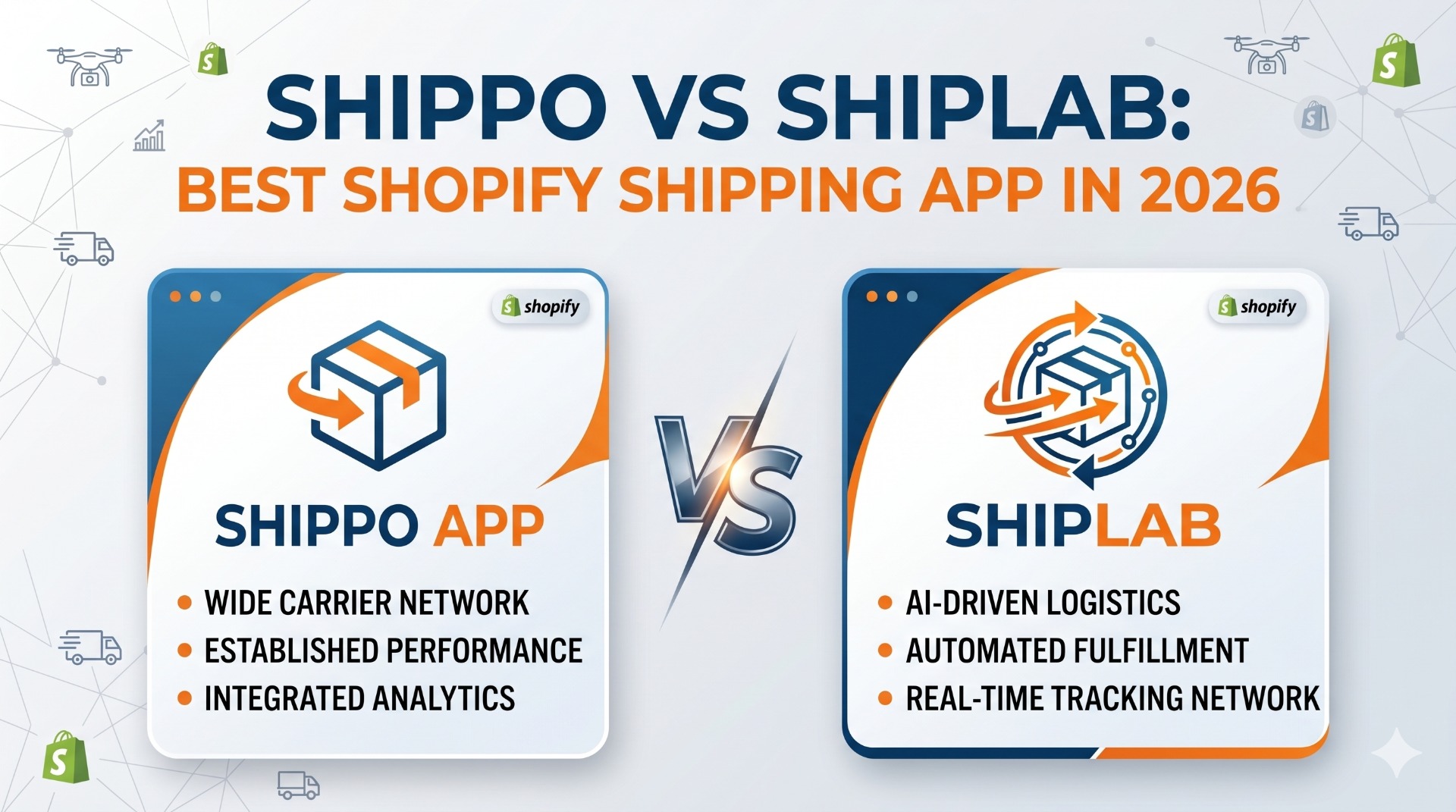
Shopify shipping app comparison
Shippo vs ShipLab: which shipping app actually fits your Shopify store?
Shippo is the most-installed shipping app on the Shopify App Store. ShipLab is a focused, flat-priced alternative built on direct carrier contracts with UPS, DHL Express, Canada Post, and TForce — for international cross-border and domestic shipping in every country those carriers serve. They share a goal — automating shipping inside Shopify — but the pricing models, carrier strategy, and feature depth point at very different stores. This guide breaks down where each one wins so you can pick without regret. You can install ShipLab on the Shopify App Store or read the full product overview on extmag.com.
Quick verdict
- Choose Shippo if you are a US-based store shipping mostly USPS, you sell across multiple platforms (Shopify + eBay + Amazon), and you want one tool to handle all of them with a familiar broad carrier network.
- Choose ShipLab if you ship with UPS, DHL Express, Canada Post, or TForce — internationally or domestically, from the US, Canada, the UK, the EU, or anywhere those carriers operate — you want flat predictable pricing with no per-label fees, and you need first-class customs paperwork (paperless invoice, EORI per country, VAT per scope) for the cross-border lanes.
Side-by-side comparison
| Feature | Shippo | ShipLab |
|---|---|---|
| Starting price | $19/month (Starter) — but with per-label fees | $5/month base + $7/month per active carrier, no per-label fee |
| Per-label fee | $0.05–$0.20 per label depending on plan tier | None — labels are unlimited inside your subscription |
| Free trial / free tier | Free tier with per-label fees and limited features | 14-day full free trial of all features |
| Primary market focus | United States (USPS-heavy) | International + domestic (UPS, DHL Express, Canada Post, TForce) — works wherever the merchant has a carrier account |
| Carrier model | Hybrid — use Shippo's negotiated rates or connect your own carrier account | Direct only — your own UPS or DHL Express contract, no markup |
| Carriers supported | 40+ globally, USPS-focused in the default network | DHL Express, UPS, Canada Post, TForce (more coming), plus Flat Rate fallback |
| Multi-platform support | Yes — Shopify, eBay, Amazon, BigCommerce, WooCommerce, etc. | Shopify only |
| Condition builder for shipping rules | Basic if/then automation rules | Magento-style nested AND/OR groups: weight, cart total, country, product attributes, schedule |
| Live carrier rates at checkout | Yes, via Shippo's rate engine | Yes, called directly from the carrier APIs in your own account |
| Paperless commercial invoice (PLT) | Basic — relies on the carrier's defaults | Native — DHL Paperless Trade and UPS Paperless with digital signature |
| EORI / VAT / TIN configuration | Single value per account | Cascading scopes: default → direction → destination country |
| Multi-warehouse routing | Available on Professional plan and above | Built in, tied to Shopify Locations, on every plan |
| Return labels | Manual creation per order | Auto-generated alongside forward labels, plus a customer-facing return action extension |
| Batch label creation | Yes — strong batch workflow | Yes — bulk create labels directly from the Shopify orders list |
| Shopify Flow triggers and actions | No | Yes — "Label Created" trigger and "Create Shipping Label" action |
| Thermal printing (ZPL, EPL) | Yes | Yes, plus network printing via QZ Tray and el-Print |
| 3D bin packing for box selection | No | Yes — automatic package selection by weight and dimensions |
| App UI languages | English | EN, DE, ES, FR, IT, NL, PT (pt-BR) |
Pricing: per-label fees are the hidden cost in Shippo
Shippo's headline price is competitive — the Starter plan begins around $19/month. The catch is the per-label fee charged on top of the subscription on the lower tiers. At Starter, every label you print adds a small fee that scales with volume. A store generating 1,000 labels per month can quietly double the bill once the per-label charge is rolled up.
Higher Shippo tiers (Professional and above) reduce or remove the per-label fee but step up the monthly subscription substantially. Either way, the spend tracks with your shipping volume.
ShipLab is flat. The base subscription is $5/month, and each active carrier you connect adds $7/month. A typical DTC store running DHL Express and UPS — whether based in the US, Canada, the UK, the EU, or anywhere else with carrier coverage — lands at $5 + $7 + $7 = $19/month all-in, regardless of whether you print 50 or 5,000 labels in that month. Overage on storage is capped at $100/month for safety, so the worst-case bill is bounded.
For high-volume stores, the math gets dramatic. A merchant printing 3,000 labels per month on Shippo Starter pays the subscription plus thousands of dollars in per-label fees. The same workload on ShipLab costs the same flat $19.
Geographic focus: Shippo built for US-domestic, ShipLab built for any UPS / DHL / Canada Post / TForce merchant
Shippo grew up on USPS. Its default carrier network, label flow, and address validation are tuned for US merchants. The interface speaks in pounds and inches, "ship-from" defaults to ZIP code, and many of the most polished features — Scan Forms, USPS Cubic, the US Returns API — only make sense inside the US.
International shipping with Shippo works, but the depth shows. Customs forms are basic, EORI is a single account field, and DHL Express features like Paperless Trade rely on whatever defaults DHL applies after you hand off the shipment.
ShipLab is built the other way around. UPS, DHL Express, Canada Post, and TForce are first-class citizens — used for the international leg and for domestic shipping in every country those carriers serve (US, Canada, Mexico, UK, Germany, France, Italy, Spain, Poland, the Netherlands, Australia, and dozens more on UPS and DHL alone). Every customs field can be set per direction (export, import, return) and per destination country, with cascading defaults so you configure once and override only where needed. Whether you ship US-to-EU, UK-to-US, or domestically within Canada, that depth translates into fewer customs holds and fewer manual edits.
The condition builder makes shipping rules feel like Magento again
Shippo's automation rules are productive but linear: pick a trigger, pick an action, save. For straightforward stores ("if order weighs over 2kg, use UPS Ground") that is enough. For real-world DTC logic it gets brittle quickly.
ShipLab ships with a Magento-style condition builder — the same nested rule engine merchants know from Magento's Cart Price Rules and Shipping Method Conditions:
- Nested AND / OR groups at any depth.
- Conditions on weight, cart total, destination country, EU vs non-EU, SKU, product ID, variant ID, custom Shopify attributes.
- Product subselection: rule fires only when at least one cart item matches a sub-rule (e.g., contains a fragile category or a regulated SKU).
- Schedule conditions: enable a rule only on certain weekdays or time windows.
- Price actions: percentage of carrier rate, fixed surcharge, flat override, conditional free shipping threshold.
For Magento merchants moving to Shopify, this is the rule engine you already know how to use. The mental model maps almost one-to-one.
Shipping discounts driven by rules
The same condition builder doubles as a shipping-discount engine. Any rule can lower the rate it returns — or drop it to zero — and it fires automatically the moment a cart matches. You decide what "matches" means:
- Holidays and special dates: schedule a discount to run only on Black Friday, the December holidays, an anniversary sale, or any date window — reduced or free shipping switches on and off on its own.
- Order-value thresholds: free or discounted shipping once the cart total passes an amount you set (for example, free DHL Express over $150).
- Any other parameter: destination country, weight, product, SKU, customer-specific carts, or any combination — the discount logic is limited only by your imagination.
Because the discount is just a price action on the same nested AND/OR rules, you can stack and prioritise promotions without touching code, then turn them off the moment the campaign ends.
Cross-border customs: ShipLab is deeper than Shippo
Both apps generate customs forms for international shipments. The difference is what happens inside the form.
Shippo treats EORI and VAT as a single value on the account. If you have to ship under different fiscal identities — for example a separate Italian VAT for fiscal representation alongside your US-side or UK-side EORI — you are wrestling the data into individual shipments by hand. DHL Paperless Trade goes through whatever DHL has on file by default.
ShipLab uses a three-level cascading scope: default → direction → destination country. Set a default EORI, VAT, or any other tax identifier; override only for the countries that need a local identity; leave the rest inheriting. DHL Paperless Trade and UPS Paperless are first-class — international shipments produce a digital commercial invoice with a signature image rather than a paper form taped to the box. That removes a real source of customs holds whether you ship from the US to Europe, from the UK to North America, or any other cross-border lane.
Where Shippo is still the better pick
Shippo has been around since 2013 and earned its install base on legitimate strengths:
- Carrier breadth. If you ship with a long tail of regional US carriers (UPS, FedEx, DHL Express, USPS, OnTrac, GLS US, Lasership, etc.) Shippo's managed network is faster to start than connecting each carrier API yourself.
- Multi-platform. If you sell on Shopify and eBay and Amazon and Etsy, Shippo unifies them in one inbox. ShipLab is Shopify-only.
- US-specific workflows. Scan Forms, USPS Cubic pricing, US-domestic Returns API, native address validation on US addresses — these are features US-volume merchants actually use.
- Brand recognition and reviews. 13k+ Shopify installs and thousands of public reviews make Shippo the safest "nobody got fired for choosing it" option for US stores.
ShipLab keeps adding carriers — today it covers DHL Express, UPS, Canada Post, and TForce, EU-customs-aware and Shopify-native. If your business is wide-and-domestic instead of deep-and-cross-border, Shippo is the safer fit.
Migration: moving from Shippo to ShipLab
Switching is straightforward because ShipLab works exclusively on your own carrier contracts:
- Pull your UPS Client ID and Secret from the UPS Developer Portal, or your DHL Express API credentials from DHL MyAPI. If you were using Shippo's negotiated rates, sign your own direct contract with the carrier — at any meaningful volume the discount you negotiate yourself usually beats the aggregated rate.
- Install ShipLab from the Shopify App Store, add a Shipper Account, paste credentials, run the connection test.
- Recreate your automation rules inside the ShipLab condition builder. Most Shippo if/then rules map directly; nested logic is now possible if you want it.
- Add ShipLab as a rate provider in Settings → Shipping and delivery in Shopify Admin.
- Run both apps in parallel for 48 hours, monitor labels, then disable Shippo and cancel its plan.
Historical orders, tracking numbers, and label PDFs all stay on Shopify itself — nothing about the order data is locked into either app.
FAQ
Does ShipLab work with my existing UPS or DHL account?
Yes. You connect your own API credentials and ShipLab uses them on every API call. Your contract, your negotiated discount, your audit trail.
Are there any per-label fees on ShipLab?
No. ShipLab only bills the flat $5/month base plus $7/month per active carrier, and storage overage if you exceed the included quota (capped at $100/month). Carrier postage is billed directly by UPS or DHL.
What about USPS support?
USPS is not currently supported in ShipLab — the focus is DHL Express and UPS for international cross-border. If you ship mostly USPS domestic, Shippo is the better fit today.
Can ShipLab show live rates at checkout?
Yes. ShipLab registers as a Shopify Carrier Service and responds to checkout rate requests with real-time rates pulled from the carrier APIs on your account.
Do I need to negotiate my own UPS or DHL contract first?
If you were riding Shippo's negotiated rates without your own contract, yes — you'll need to sign one with the carrier before switching. Most stores doing more than a few hundred labels per month can negotiate a contract that beats the aggregated rate.
Does ShipLab handle EU customs paperwork?
Yes. DHL Paperless Trade and UPS Paperless are native features. EORI, VAT, and TIN values can be configured globally, per direction (export/import/return), and per destination country with automatic fallback.
Try ShipLab on your Shopify store
14-day free trial, no credit card required to install. Bring your own UPS or DHL account and have your first label printed within the hour.