
Shopify shipping app comparison
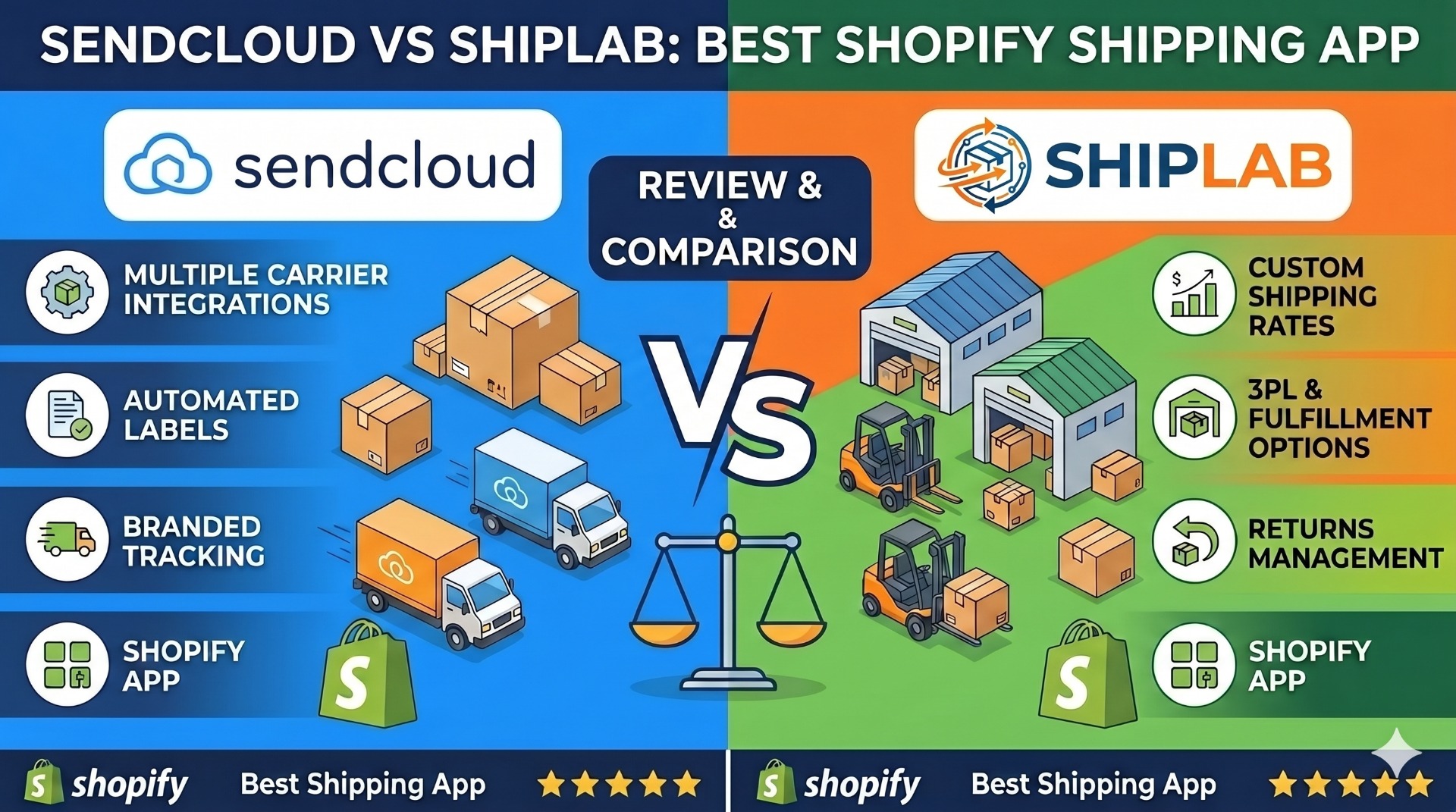
Sendcloud vs ShipLab: which shipping app is right for your Shopify store?
Both apps connect your Shopify store to DHL, UPS, and other carriers, automate label creation, and surface live rates at checkout. They take very different approaches to pricing, carrier contracts, and rate logic. This guide breaks down where each one wins so you can pick the right fit for your warehouse and your margins. You can install ShipLab on the Shopify App Store or read the full product overview on extmag.com.
Quick verdict
- Choose Sendcloud if you want a turnkey EU shipping platform with built-in service points, a customer returns portal, and you are happy using Sendcloud's negotiated carrier rates.
- Choose ShipLab if you already have your own UPS, DHL Express, Canada Post, or TForce contract, want to keep it, ship internationally or domestically from anywhere the carrier operates (US, Canada, UK, EU, and beyond), and need a powerful Magento-style condition builder for shipping rules — at roughly a tenth of the price.
Side-by-side comparison
| Feature | Sendcloud | ShipLab |
|---|---|---|
| Starting price | €45/month (Lite plan) + per-label fees on lower tiers | $5/month base + $7/month per active carrier |
| Setup / implementation fee | Often charged on higher tiers | None |
| Free trial | Limited free tier | 14-day full free trial |
| Carrier model | Aggregator — uses Sendcloud's negotiated rates with markup | Direct — you bring your own UPS / DHL contract, no markup |
| Carriers supported | 80+ in their managed network | DHL Express, UPS, Canada Post, TForce (more coming), plus Flat Rate fallback |
| Condition builder for shipping rules | Basic if/then rules | Magento-style nested AND/OR groups, weight, cart total, country, product attributes, schedule |
| Live carrier rates at checkout | Yes, via Sendcloud's rate engine | Yes, called directly from the carrier APIs in your own account |
| Paperless commercial invoice (PLT) | Yes | Yes — DHL Paperless Trade and UPS Paperless built in |
| EORI / VAT / TIN per scope | Single value per account | Cascading values: default → direction → country |
| Multi-warehouse routing | Available on higher tiers | Built in, tied to Shopify Locations, every plan |
| Return labels | Customer-facing returns portal | Automatic return labels alongside forward shipments, customer return action extension |
| Service points / pickup points | Strong — integrated network of lockers and parcel shops | Carrier-native (DHL, UPS pickup points) |
| Shopify Flow triggers and actions | No | Yes — "Label Created" trigger and "Create Shipping Label" action |
| Thermal printing (ZPL, EPL) | Yes | Yes, plus network printing via QZ Tray and el-Print |
| 3D bin packing | No | Yes — automatic package selection by weight and dimensions |
| Languages supported in the app UI | EN + most EU languages | EN, DE, ES, FR, IT, NL, PT |
Pricing: the gap is bigger than it looks
Sendcloud's Lite plan starts around €45/month and bundles a fixed allotment of labels. Once you cross that allotment, per-label fees kick in. Service-point usage, customer-portal customisation, and multi-warehouse routing live behind their higher tiers (Plus, Premium), which can push the bill into the hundreds of euros per month for a single store. Some integrations also carry a setup fee.
ShipLab uses a single, predictable model: a $5/month base subscription plus $7/month for every active carrier (UPS, DHL Express). Storage above the included quota is billed at $0.55/GB. There is a $100/month cap on overage charges, so your worst-case monthly bill is bounded. Carrier shipping costs (the actual postage) never flow through ShipLab — you pay UPS or DHL directly, with your own negotiated discount.
For a typical DTC store running both DHL Express and UPS — whether based in the US, UK, EU, or anywhere else with carrier coverage — ShipLab lands at $5 + $7 + $7 = $19/month all-in. The same workload on Sendcloud usually starts at €45 and scales up with label volume.
The carrier-account model is the big strategic difference
Sendcloud is an aggregator. You ship under Sendcloud's negotiated rates with the carriers, and Sendcloud is the contracted party with the carrier. That is convenient for new merchants who don't have direct contracts, but it means:
- Your rates are whatever Sendcloud agreed with each carrier, plus the markup they bake in.
- You can't fully leverage volume discounts you negotiate yourself with DHL or UPS.
- Carrier disputes, billing audits, and special services route through Sendcloud, not directly to the carrier.
ShipLab is a direct-contract app. You connect your own UPS or DHL Express API credentials, your own contract numbers, your own pickup accounts. Rates returned at checkout are your rates — including any negotiated discounts you have on file with the carrier. ShipLab does not charge, mark up, or take a percentage of shipping costs.
For a store doing serious volume (say, 1,000+ DHL Express shipments per month), the math swings heavily in favour of direct contracts. The carrier discount you negotiate yourself is usually larger than the implicit Sendcloud markup, and it grows with volume.
Condition builder: ShipLab's main feature win
Most Shopify shipping apps let you set basic if/then rules ("if cart total > €50, show free shipping"). Sendcloud falls into that category. ShipLab ships with a Magento-style nested condition builder — the same engine merchants know from years of Magento 2 shipping experience:
- Nested groups with AND / OR logic at any depth.
- Conditions on weight, cart total, destination country, EU/non-EU, product SKU, product ID, variant ID, custom attributes synced from Shopify.
- Product subselection: rule fires only if at least one cart item matches a sub-rule (e.g., contains a fragile category SKU).
- Schedule conditions: enable a rule only on certain days of the week or time of day.
- Price actions: surcharge, discount, fixed override, percentage of carrier rate, free shipping threshold.
If you ran a Magento store before migrating to Shopify, this is the rule engine you already know how to wield. It moves logic that previously lived in Magento's Cart Price Rules and Shipping Method Conditions straight into ShipLab.
Shipping discounts driven by rules
The same condition builder doubles as a shipping-discount engine. Any rule can lower the rate it returns — or drop it to zero — and it fires automatically the moment a cart matches. You decide what "matches" means:
- Holidays and special dates: schedule a discount to run only on Black Friday, the December holidays, an anniversary sale, or any date window — reduced or free shipping switches on and off on its own.
- Order-value thresholds: free or discounted shipping once the cart total passes an amount you set (for example, free DHL Express over $150).
- Any other parameter: destination country, weight, product, SKU, customer-specific carts, or any combination — the discount logic is limited only by your imagination.
Because the discount is just a price action on the same nested AND/OR rules, you can stack and prioritise promotions without touching code, then turn them off the moment the campaign ends.
EU customs: built-in vs add-on
Both apps support paperless commercial invoices and the basic VAT/EORI fields international shipping needs. The difference is in how much you can customise per market.
Sendcloud stores a single VAT and EORI number per account. ShipLab uses a three-level cascading scope: default → direction (export / import / domestic) → destination country. You can set one VAT/EORI globally and override it only for the specific countries that need a local one (e.g., a separate Spanish or Italian VAT for fiscal representation).
DHL Paperless Trade and UPS Paperless are first-class features in ShipLab — international shipments automatically generate the commercial invoice as a digital document with a signature image, not as a printed paper attached to the package.
Where Sendcloud is still the better pick
Sendcloud has been around since 2012 and has invested heavily in two areas where ShipLab is intentionally lighter:
- Service-point and locker network. If your customers expect to pick up parcels at PostNL, Bpost, GLS, or DHL parcel shops, Sendcloud's UI for showing nearby service points at checkout is more polished out of the box.
- Customer-facing returns portal. Sendcloud offers a hosted, brandable returns flow where shoppers self-serve. ShipLab handles return labels through a Shopify customer-account extension, which is solid but less customisable than a dedicated portal.
- Carrier breadth out of the box. If you ship with PostNL, Bpost, Colissimo, or GLS today and don't want to manage individual carrier contracts, Sendcloud's managed network is faster to start with.
ShipLab's roadmap keeps adding carriers — it now covers DHL Express, UPS, Canada Post, and TForce, spanning both cross-border express and North American domestic, where margin actually matters for DTC.
Migration: moving from Sendcloud to ShipLab
Switching is straightforward because ShipLab works on your own carrier accounts:
- Pull your UPS Client ID + Client Secret from the UPS Developer Portal, or your DHL Express API credentials from the DHL MyAPI portal.
- Install ShipLab on Shopify, add a Shipper Account, paste the credentials, run the connection test.
- Recreate your price rules in the ShipLab condition builder — for many stores this is a single afternoon's work, because the rules map almost one-to-one to Magento Cart Price Rule logic.
- Add ShipLab as a rate provider in Shopify Settings → Shipping and delivery.
- Disable Sendcloud, monitor labels for 48 hours, then cancel.
Historical orders, tracking numbers, and labels stay in Shopify; nothing about the order data is locked into either app.
FAQ
Does ShipLab work with my existing UPS or DHL account?
Yes — that is the whole point of the direct-contract model. You bring your own credentials and contract numbers, ShipLab uses them to authenticate every API call.
Does ShipLab take a percentage of my shipping costs?
No. The carrier (UPS, DHL) bills you directly for postage. ShipLab only bills the flat app subscription, the per-carrier add-on, and any storage overage.
Will I lose the Sendcloud negotiated rates if I switch?
If you don't have your own UPS or DHL contract yet, you'll need to sign one before switching — most carriers will negotiate based on your volume history. Once your contract is in place, your direct discount usually beats Sendcloud's aggregated rate at meaningful volumes.
Can ShipLab show live rates at checkout?
Yes. ShipLab registers as a Shopify Carrier Service and responds to checkout rate requests with live rates pulled from the carrier APIs. Customers see real-time UPS or DHL pricing for their address.
Does ShipLab support multiple warehouses?
Yes. Every plan supports multi-warehouse routing tied to Shopify Locations, with a separate carrier account per location if needed.
What about returns?
ShipLab can auto-generate a return label every time you create a forward label, or generate one on demand. There is also a Shopify customer-account extension so shoppers can request returns directly from their account.
Try ShipLab on your Shopify store
14-day free trial, no credit card required to install. Bring your own UPS or DHL account and have a label printed within the hour.