
Logs-Manager für Magento® 2.x

Magento® 2 stellt standardmäßig keine Tools für die Arbeit mit Log-Dateien bereit. Mit der Zeit wachsen Log-Dateien zu großen, manchmal riesigen Größen heran. Das Arbeiten mit solchen Dateien ist unbequem, ihre Analyse wird zu einem komplexen Prozess. Damit Ihre Log-Dateien immer eine akzeptable Größe haben, nutzen Sie die Logs-Manager-Erweiterung.
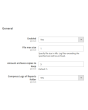
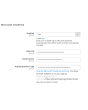
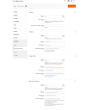
Logs Manager erlaubt Ihnen, die maximale Größe jeder Log-Datei und die maximale Anzahl archivierter Kopien festzulegen.
Nach Aktivierung des Moduls werden Ihre Log-Dateien täglich geprüft. Dateien, die größer als die festgelegte Größe sind, werden archiviert. Das Modul speichert so viele Archivkopien, wie in der Konfiguration angegeben, und entfernt veraltete Archive. So bleiben Ihre Log-Dateien stets klein und einfach zu lesen und zu analysieren.
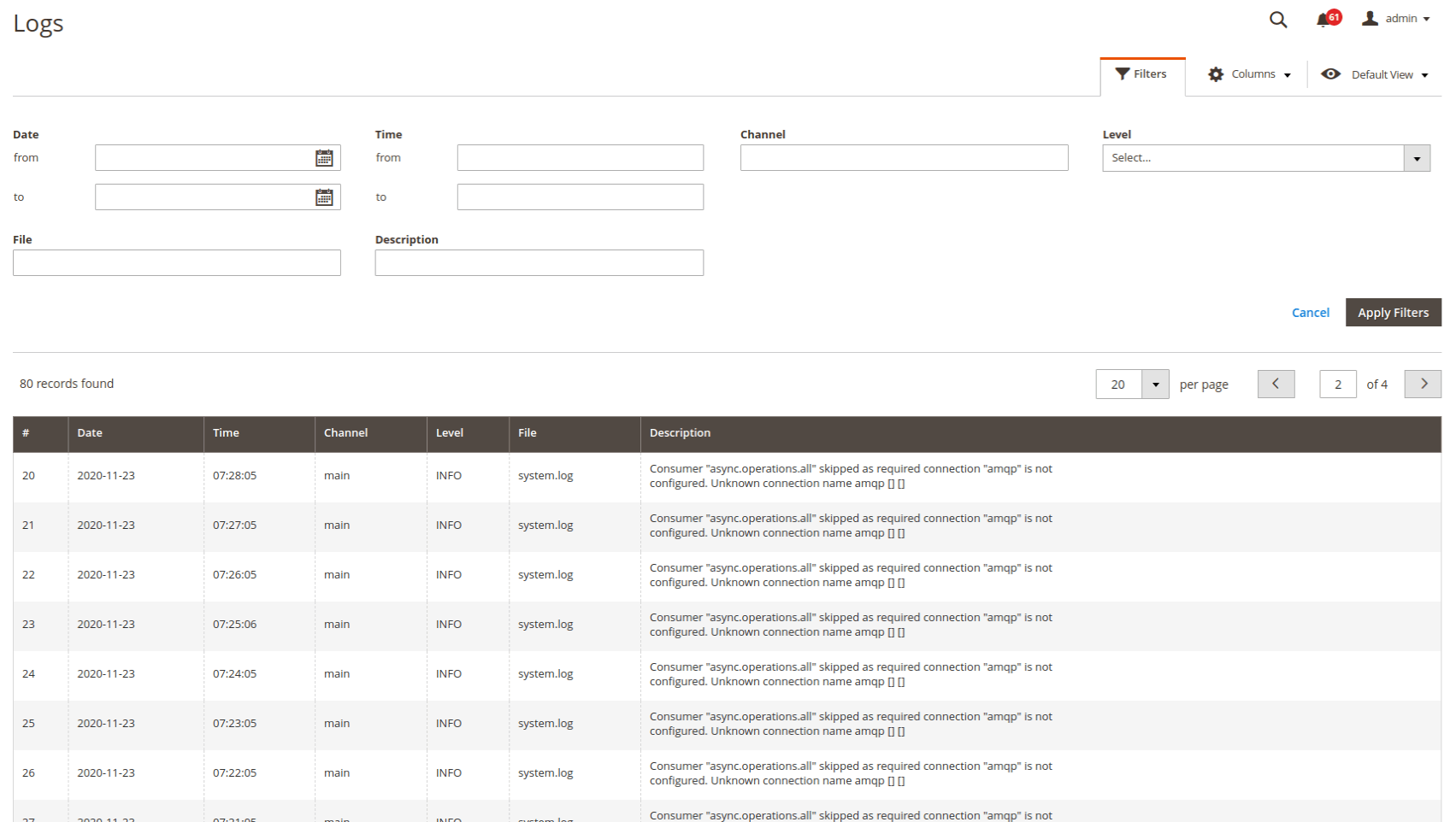
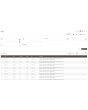
Logs ansehen und analysieren direkt im Admin-Panel — sehr komfortabel. Sie konfigurieren den Zugriff entweder nur für sich selbst oder für bestimmte Admins. Suche und Filterung erfolgen über alle Log-Dateien. Sie können Logs nach Datum und Uhrzeit, nach Fehlertyp und über die Textsuche filtern.
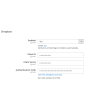
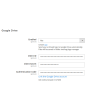
Eine weitere wichtige Funktion des Logs Manager für Magento 2 ist die Arbeit mit Cloud-Diensten. Jede komprimierte Log-Datei kann automatisch in einen Ordner (mit Struktur) Ihrer Dropbox oder eines anderen Cloud-Dienstes hochgeladen werden. So geben Sie Speicherplatz auf dem Server für wichtigere Dateien frei. Unterstützte Cloud-Speicher: Dropbox, Google Drive, Microsoft OneDrive.
Das Logs-Manager-Modul komprimiert Log-Dateien zu ZIP-Archiven. Da Logs häufig wiederholte Zeilen oder Zeilenteile enthalten, lassen sie sich gut komprimieren. Eine 10-MB-Datei kann beispielsweise auf 0,5–1 MB reduziert werden. Üblicherweise liegt die Kompressionsrate bei 70 bis 90 %.
Demo
Sie können diese Erweiterung 30 Tage lang testen. Die Demo fordern Sie direkt auf dieser Seite über Demo anfordern an; wie das abläuft, steht unter Eine Erweiterung 30 Tage lang testen.
| CMS | Magento 2 |
|---|---|
| Kompatibilität | 2.4, 2.3, 2.2, 2.1, 2.0 |
| Funktionen |
|
Die Erweiterung wird mit Composer installiert. Welches Repository Sie einbinden, hängt davon ab, wo Sie sie gekauft haben — die Installation selbst ist in beiden Fällen dieselbe.
1. Repository einbinden
Auf extmag.com gekauft. Ihre Kontoseite zeigt die Repository-Adresse und Ihre persönlichen Zugangsdaten samt den beiden composer config-Befehlen zum Einfügen. Führen Sie sie einmal pro Projekt aus; danach steht jede Erweiterung, die Sie besitzen, aus demselben Repository zur Verfügung.
Auf dem Adobe Commerce Marketplace gekauft. Das Paket wird von repo.magento.com ausgeliefert, das in den meisten Shops bereits eingerichtet ist. Falls nicht, tragen Sie die Access Keys aus Ihrem Adobe-Konto unter My Profile -> Access Keys ein.
2. Erweiterung installieren
Im Projektverzeichnis ausführen:
composer require extmag/logsmanagerpro
php bin/magento setup:upgrade
php bin/magento cache:flush
Composer löst die gemeinsam genutzten Extmag-Pakete auf, von denen die Erweiterung abhängt — von Hand ist nichts weiter zu fordern.
Melden Sie sich vom Admin ab und wieder an, dann ist die Erweiterung einsatzbereit.
Vor dem Kauf ausprobieren
Sie können eine 30-Tage-Demo dieser Erweiterung anfordern und sie genau wie oben installieren — gleiches Paket, gleiches Repository, gleiche Befehle. Wie Demos funktionieren.
Installation ohne Composer
Das Archiv lässt sich stattdessen nach app/code/Extmag/ entpacken, doch damit steht die Erweiterung außerhalb der Abhängigkeitsverwaltung: Ihre gemeinsam genutzten Pakete müssen von Hand installiert werden und Updates erreichen sie nie. Nutzen Sie für jeden Shop, den Sie betreiben, Composer — auch für die Demo.
Bei Fragen zur Installation wenden Sie sich bitte an unseren technischen Support.
-
User Guide User Guide.pdf · 725.7 KBHerunterladen
-
Reference Manual Reference Manual.pdf · 346.6 KBHerunterladen
-
Installation Guide Installation Guide.pdf · 208.8 KBHerunterladen
Systemkonfiguration
Log-Übersicht
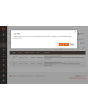
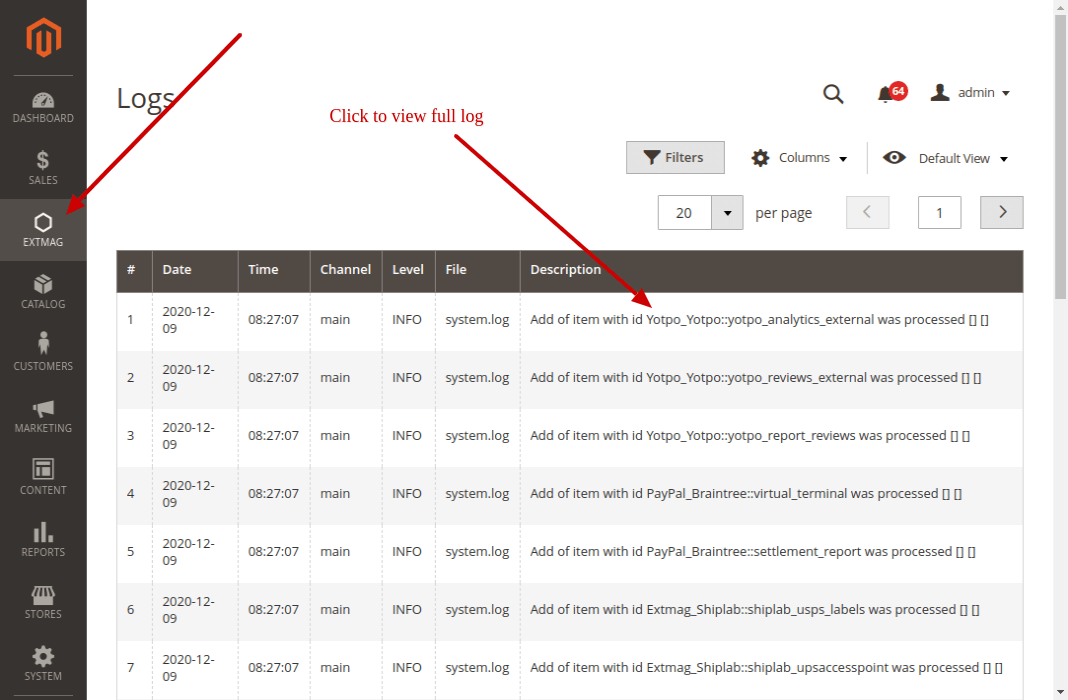
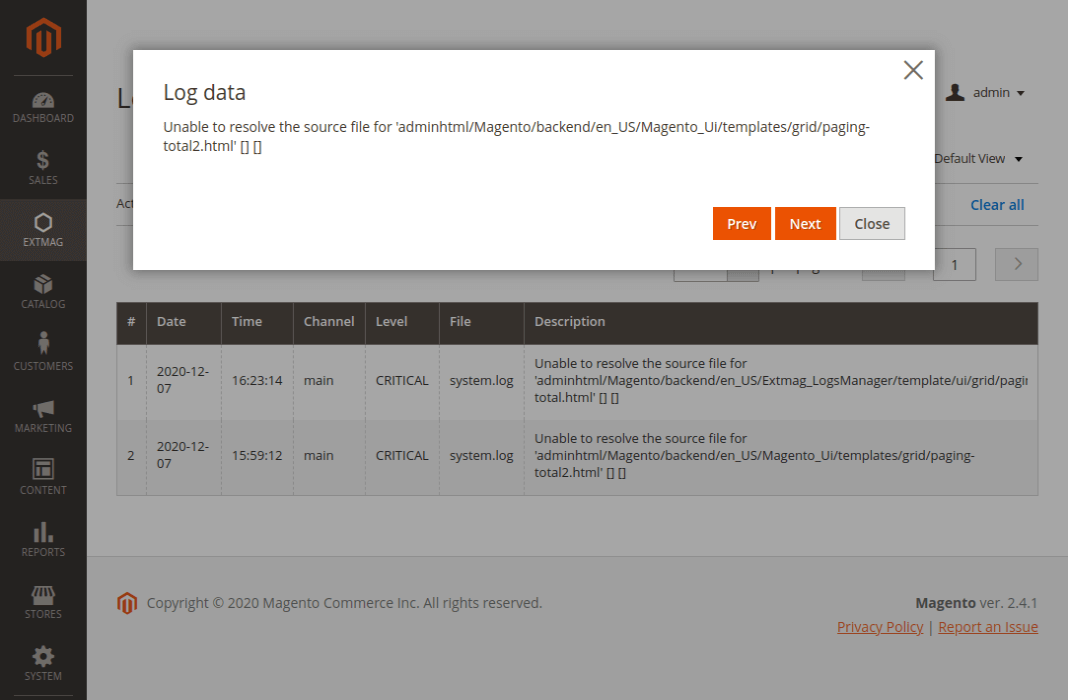
Auf der Log-Übersicht sehen Sie alle Ihre Logs. In der Liste steht nur ein kurzer Ausschnitt der Log-Beschreibung; klicken Sie darauf, öffnet sich ein Popup mit dem vollständigen Text.
Die Logs finden Sie unter Admin main menu -> Extmag -> Logs Manager -> Logs.
Logs filtern
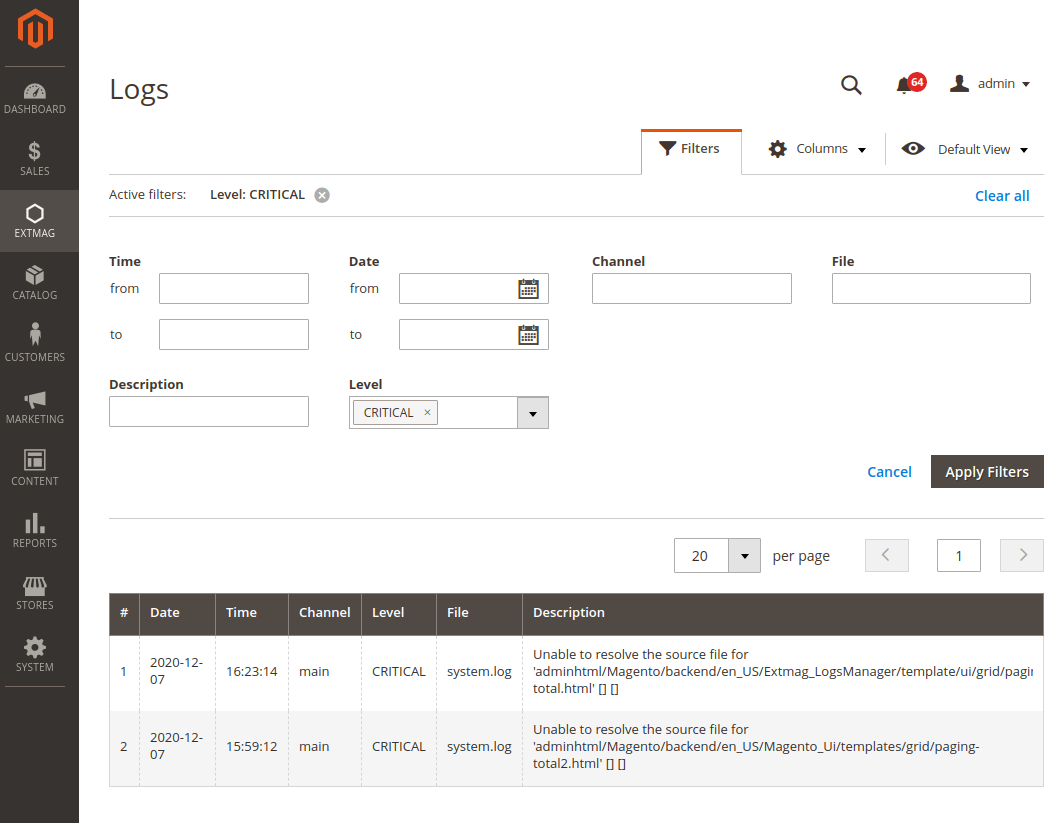
Gefiltert wird nach:
- Datum und Uhrzeit
- Channel (main oder ein Modul)
- Dateiname
- Suche in der Log-Beschreibung
- Log-Level (Error, Info, Warning, Critical, Debug und weitere)
Worauf zu achten ist
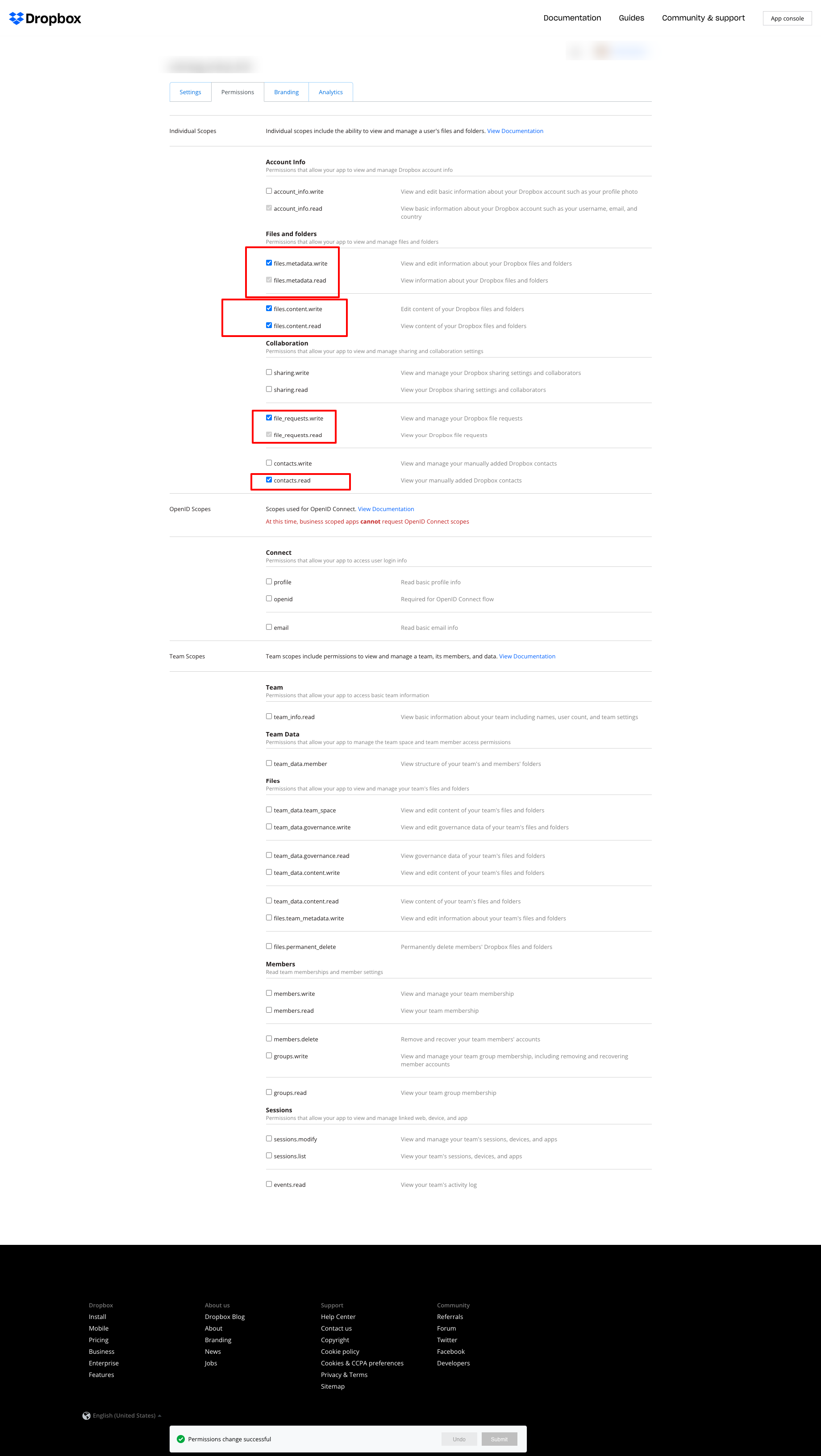
Wenn Sie Dropbox zum Ablegen der Logs nutzen und den unten gezeigten Fehler erhalten:
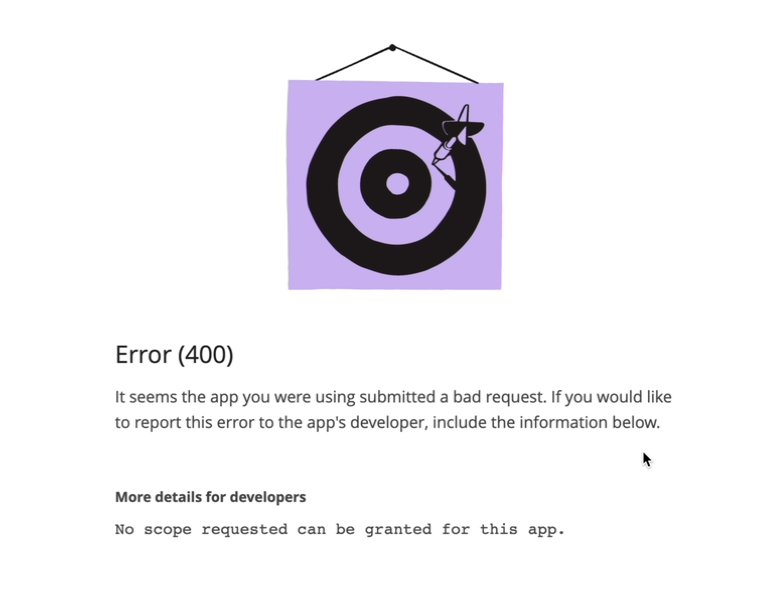
setzen Sie die Berechtigungen wie im folgenden Screenshot:
2.2.0
LogsCore: Switched admin log templates to the Escaper service instead of block escape helpers.
2.1.9
LogsCore: Add email and webapi log management features. Added support Magento 2.4.8-p4 and Adobe Commerce 2.4.8-p4
2.1.8
Added support Magento 2.4.8-p4 and Adobe Commerce 2.4.8-p4
2.1.7
Refactored code.
2.1.6
The functionality for uploading logs to cloud storages, such as Dropbox, Google Drive, and MS OneDrive, has been removed. This is now handled by the Backup Pro module.
2.1.5
Added support Magento 2.4.8-p3 and Adobe Commerce 2.4.8-p3
2.1.4
Added support Magento 2.4.8-p2 and Adobe Commerce 2.4.8-p2
2.1.3
Added support Magento 2.4.8-p1 and Adobe Commerce 2.4.8-p1
2.1.2
Added support Magento 2.4.8 and Adobe Commerce 2.4.8
2.1.1
Added support Magento 2.4.7-p5 and Adobe Commerce 2.4.7-p5
2.1.0
Added support Magento 2.4.7-p4 and Adobe Commerce 2.4.7-p4
2.0.9
Added support Magento 2.4.7-p3 and Adobe Commerce 2.4.7-p3
2.0.8
Added support Magento 2.4.7-p2 and Adobe Commerce 2.4.7-p2
2.0.7
Added support Magento 2.4.7-p1 and Adobe Commerce 2.4.7-p1
2.0.6
Fixed names of Google API classes. There were changing underscores to namespaces.
2.0.5
Fixed Google Drive connection
2.0.4
Added support Magento 2.4.7 and Adobe Commerce 2.4.7
2.0.3
Added support Magento 2.4.6-p4 and Adobe Commerce 2.4.6-p4
2.0.2
Added support Magento 2.4.6-p3 and Adobe Commerce 2.4.6-p3
2.0.1
Fixed a bug with the Google Drive connection
2.0.0
To check the correct connection to Cloud Storages, Test Connection buttons for Microsoft OneDrive, Google Drive, and Dropbox were added.
1.6.2
1.6.1
Added support Magento 2.4.6-p2 and Adobe Commerce 2.4.6-p2
1.6.0
Added support Adobe Commerce 2.4.6-p1
1.5.9
Support Adobe Commerce (Magento) 2.4.6
Support PHP 8.1 and PHP 8.2
1.5.8
Fixed PHP warnings
1.5.7
Refactoring code
1.5.6
Support Adobe Commerce (Magento) 2.4.5-p1
1.5.5
Support Adobe Commerce (Magento) 2.4.5
1.5.4
Added new dependency to the module composer.json
Added permissions to request authorization for Dropbox
1.5.3
Fixed bug with the core module
1.5.2
Added support for PHP 8.1 and Adobe Commerce (Magento) 2.4.4
1.5.1
Update versions of dependencies
1.5.0
Added the ability to download log files in zip format for local storage or transfer to developers of extensions to analyze errors and work of extensions
1.4.1
Show error with onedrive getting Authentication Code if this error exists
1.4.0
Added reports to log listing
Filter by reports
Compress reports folder and send archive to cloud storage
1.3.5
Added listing of logs in the admin panel with filtering by several parameters
1.3.4
Fixed bug with schedule and config cache
Refactoring PHP code
1.3.3
Fixed bug with uploading log files to Microsoft OneDrive
1.3.2
Fixed bug with empty client id
Fixed supporting Magento 2.3.5
Fixed bug with Microsoft OneDrive OAuth code
1.3.0
Added Microsoft OneDrive for keeping your log archives.
1.2.0
Admin has to create self Dropbox app.
Admin has to create self Google app.
1.1.0
Added Google Drive storage.
Fixed some small bugs.