
Logs Manager para Magento® 2.x

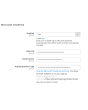
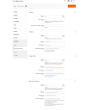
Magento® 2 no proporciona, por defecto, herramientas para trabajar con archivos de log. Con el tiempo, los archivos de log crecen hasta alcanzar tamaños grandes, a veces enormes. Trabajar con esos archivos resulta incómodo y su análisis se convierte en un proceso complejo. Para que sus archivos de log mantengan siempre un tamaño aceptable, utilice la extensión Logs Manager.
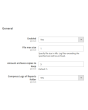
Logs Manager le permite definir el tamaño máximo de cada archivo de log y el número máximo de copias archivadas.
Tras activar el módulo, sus archivos de log se comprueban a diario. Los archivos que superen el tamaño establecido se archivan. El módulo conserva tantas copias archivadas como se indique en la configuración y elimina los archivos obsoletos. De este modo, sus archivos de log se mantienen siempre pequeños y fáciles de leer y analizar.
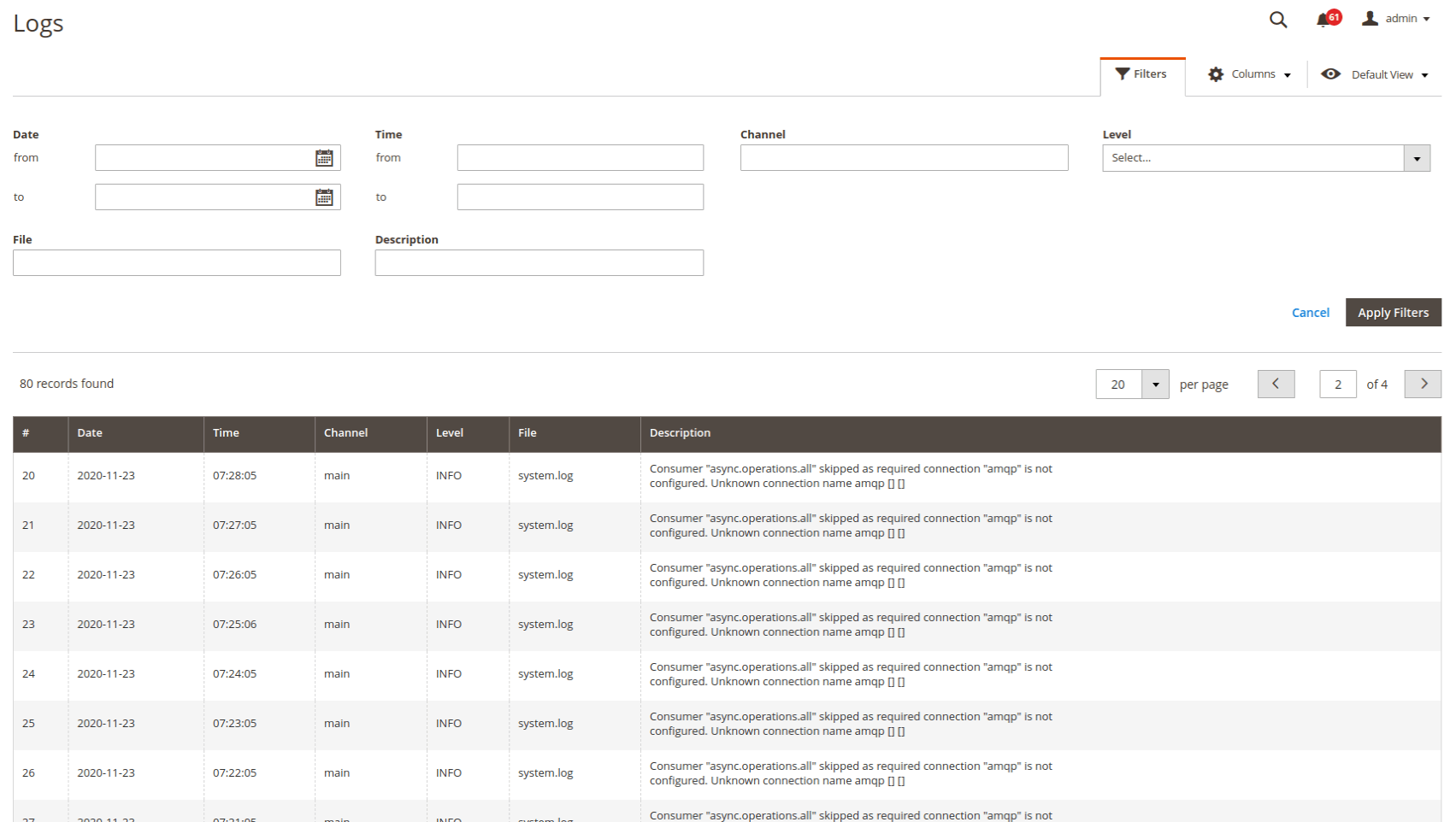
Consulte y analice los logs directamente en el panel de administración, algo muy cómodo. Puede configurar el acceso únicamente para usted mismo o para administradores concretos. La búsqueda y el filtrado se realizan sobre todos los archivos de log. Puede filtrar los logs por fecha y hora, por tipo de error y mediante búsqueda de texto.
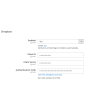
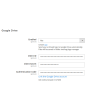
Otra función importante de Logs Manager para Magento 2 es la integración con servicios en la nube. Cada archivo de log comprimido puede subirse automáticamente a una carpeta (con estructura) de su Dropbox o de otro servicio en la nube. De este modo libera espacio en el servidor para otros archivos más importantes. Almacenamiento en la nube compatible: Dropbox, Google Drive, Microsoft OneDrive.
El módulo Logs Manager comprime los archivos de log en archivos ZIP. Dado que los logs contienen con frecuencia líneas o fragmentos de líneas repetidos, se comprimen muy bien. Un archivo de 10 MB puede reducirse, por ejemplo, a 0,5–1 MB. La tasa de compresión habitual oscila entre el 70 y el 90 %.
Demo
Puede probar esta extensión durante 30 días. Solicite la demo en esta misma página con Solicitar demo; cómo funciona se explica en Pruebe una extensión durante 30 días.
| CMS | Magento 2 |
|---|---|
| Compatibilidad | 2.4, 2.3, 2.2, 2.1, 2.0 |
| Características |
|
La extensión se instala con Composer. Qué repositorio añade depende de dónde la haya comprado; la instalación en sí es la misma en ambos casos.
1. Conectar el repositorio
Comprada en extmag.com. Su página de cuenta muestra la dirección del repositorio y sus credenciales personales, junto con los dos comandos composer config que hay que pegar. Ejecútelos una vez por proyecto; a partir de ahí, todas las extensiones que posea están disponibles desde el mismo repositorio.
Comprada en el Adobe Commerce Marketplace. El paquete se sirve desde repo.magento.com, que la mayoría de las tiendas ya tienen configurado. Si no es su caso, añada las claves de acceso de su cuenta de Adobe en My Profile -> Access Keys.
2. Instalar la extensión
Ejecute en la raíz del proyecto:
composer require extmag/logsmanagerpro
php bin/magento setup:upgrade
php bin/magento cache:flush
Composer resuelve los paquetes compartidos de Extmag de los que depende la extensión, así que no hay nada más que requerir a mano.
Salga del admin y vuelva a entrar: la extensión está lista.
Probarla antes de comprar
Puede pedir una demo de 30 días de esta extensión e instalarla exactamente como se indica arriba: mismo paquete, mismo repositorio, mismos comandos. Cómo funcionan las demos.
Instalar sin Composer
El archivo puede descomprimirse en app/code/Extmag/, pero eso deja la extensión fuera de la gestión de dependencias: sus paquetes compartidos hay que instalarlos a mano y las actualizaciones nunca le llegan. Use Composer en cualquier tienda que gestione, también en la demo.
Para cualquier duda sobre la instalación, escriba a nuestro soporte técnico.
-
User Guide User Guide.pdf · 725.7 KBDescargar
-
Reference Manual Reference Manual.pdf · 346.6 KBDescargar
-
Installation Guide Installation Guide.pdf · 208.8 KBDescargar
Configuración del sistema
Listado de logs
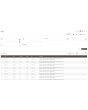
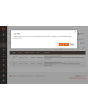
En la página del listado ve todos sus logs. Allí solo aparece una parte de la descripción; haga clic en ella y se abrirá una ventana con el texto completo.
Los logs están en Admin main menu -> Extmag -> Logs Manager -> Logs.
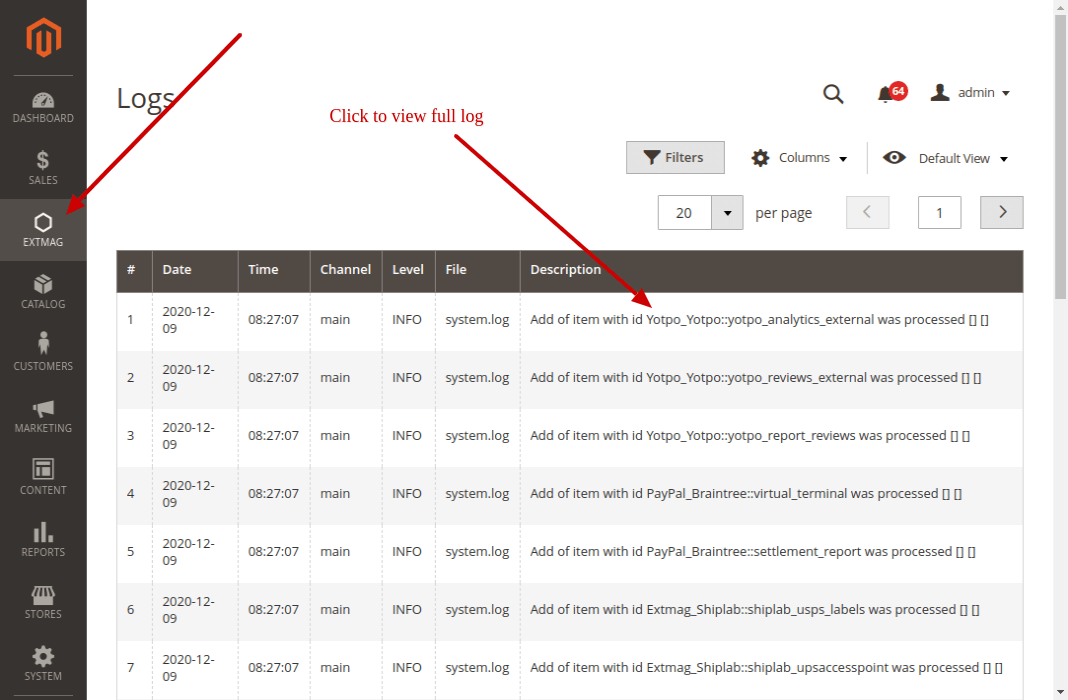
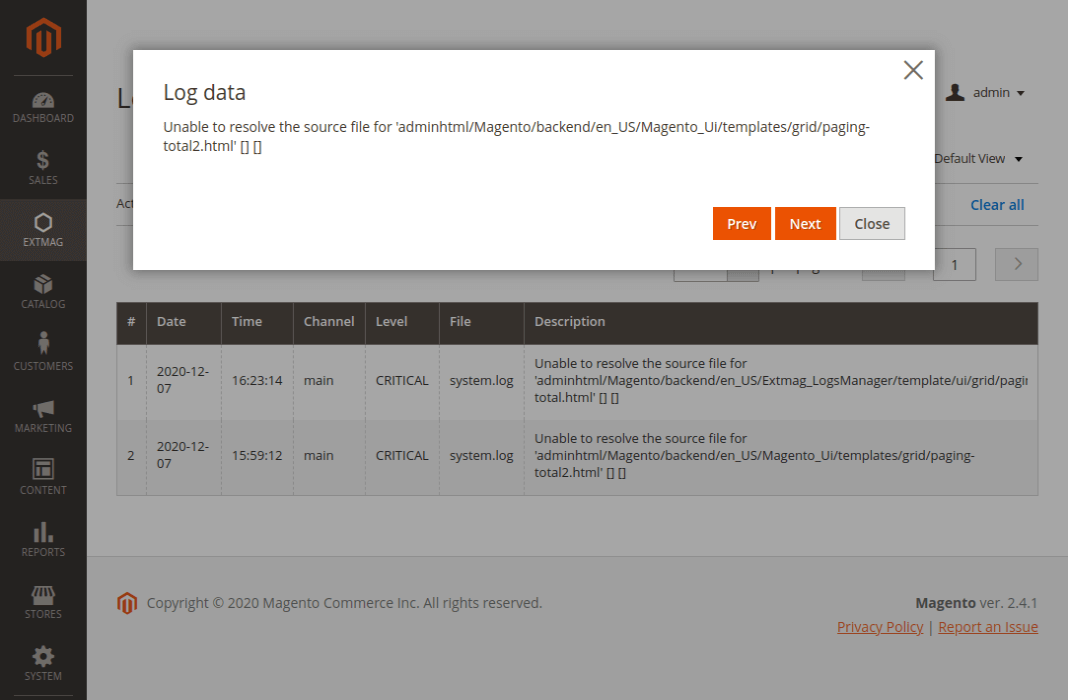
Filtrar los logs
Los logs se filtran por:
- fecha y hora
- Channel (main o algún módulo)
- nombre de archivo
- búsqueda en la descripción del log
- nivel de log (Error, Info, Warning, Critical, Debug y otros)
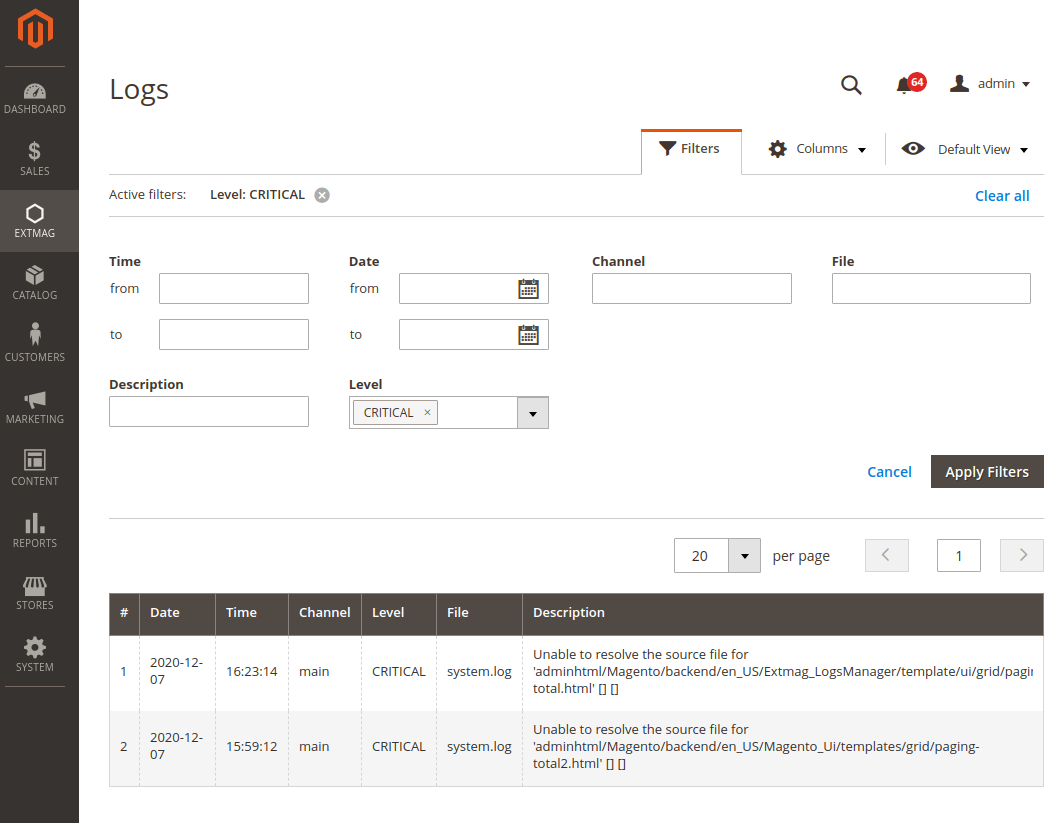
Puntos a tener en cuenta
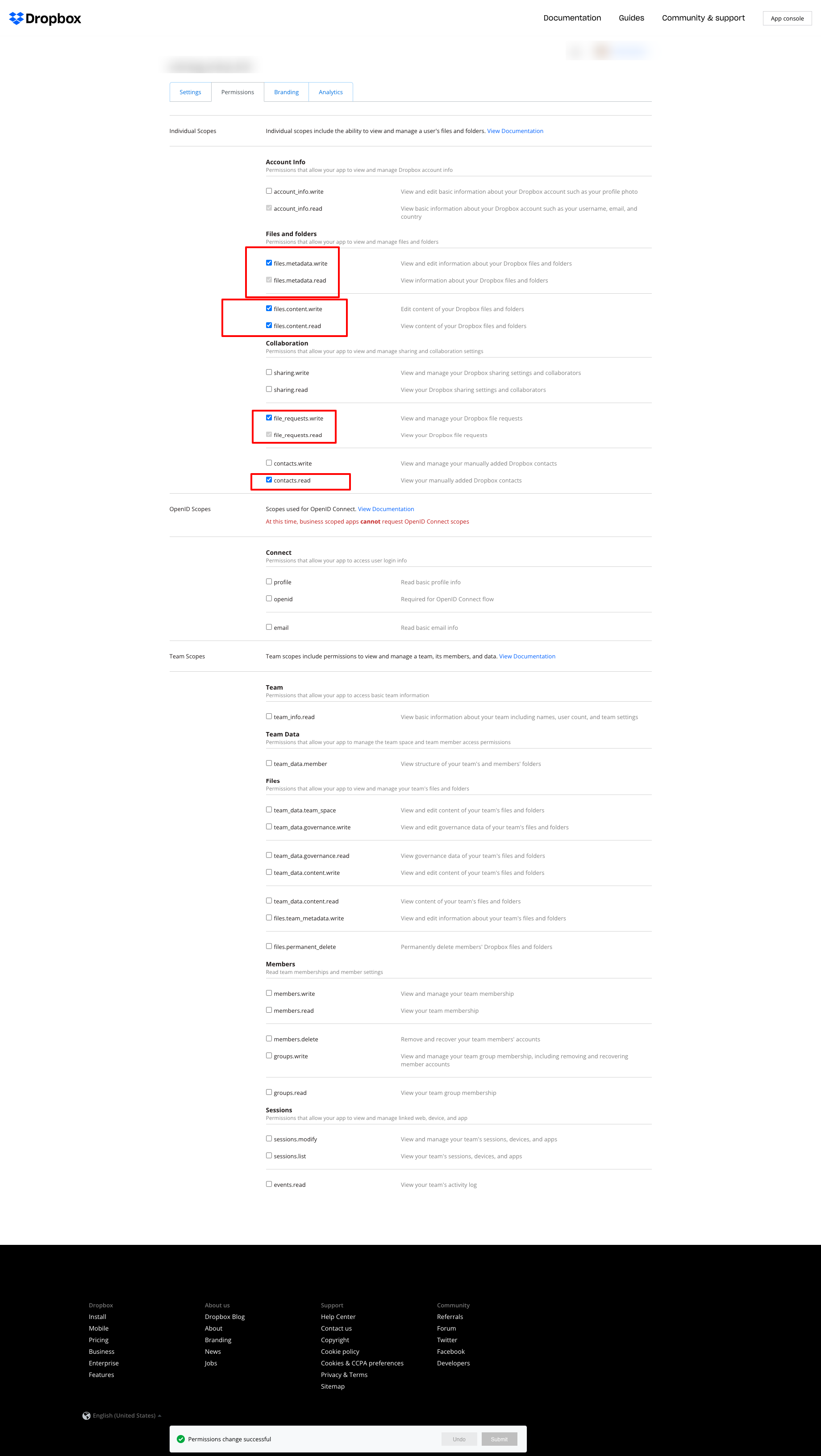
Si usa Dropbox para guardar los logs y obtiene el error que se ve abajo:
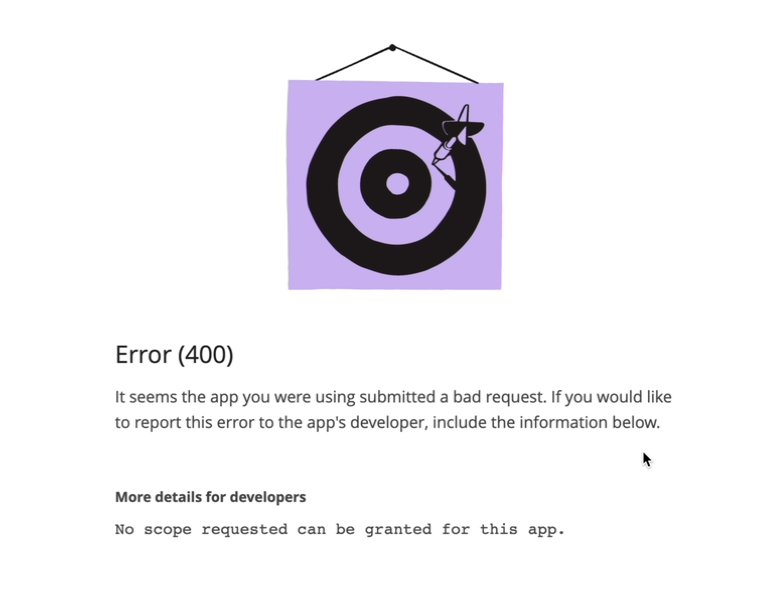
ajuste los permisos como en la siguiente captura:
2.2.0
LogsCore: Switched admin log templates to the Escaper service instead of block escape helpers.
2.1.9
LogsCore: Add email and webapi log management features. Added support Magento 2.4.8-p4 and Adobe Commerce 2.4.8-p4
2.1.8
Added support Magento 2.4.8-p4 and Adobe Commerce 2.4.8-p4
2.1.7
Refactored code.
2.1.6
The functionality for uploading logs to cloud storages, such as Dropbox, Google Drive, and MS OneDrive, has been removed. This is now handled by the Backup Pro module.
2.1.5
Added support Magento 2.4.8-p3 and Adobe Commerce 2.4.8-p3
2.1.4
Added support Magento 2.4.8-p2 and Adobe Commerce 2.4.8-p2
2.1.3
Added support Magento 2.4.8-p1 and Adobe Commerce 2.4.8-p1
2.1.2
Added support Magento 2.4.8 and Adobe Commerce 2.4.8
2.1.1
Added support Magento 2.4.7-p5 and Adobe Commerce 2.4.7-p5
2.1.0
Added support Magento 2.4.7-p4 and Adobe Commerce 2.4.7-p4
2.0.9
Added support Magento 2.4.7-p3 and Adobe Commerce 2.4.7-p3
2.0.8
Added support Magento 2.4.7-p2 and Adobe Commerce 2.4.7-p2
2.0.7
Added support Magento 2.4.7-p1 and Adobe Commerce 2.4.7-p1
2.0.6
Fixed names of Google API classes. There were changing underscores to namespaces.
2.0.5
Fixed Google Drive connection
2.0.4
Added support Magento 2.4.7 and Adobe Commerce 2.4.7
2.0.3
Added support Magento 2.4.6-p4 and Adobe Commerce 2.4.6-p4
2.0.2
Added support Magento 2.4.6-p3 and Adobe Commerce 2.4.6-p3
2.0.1
Fixed a bug with the Google Drive connection
2.0.0
To check the correct connection to Cloud Storages, Test Connection buttons for Microsoft OneDrive, Google Drive, and Dropbox were added.
1.6.2
1.6.1
Added support Magento 2.4.6-p2 and Adobe Commerce 2.4.6-p2
1.6.0
Added support Adobe Commerce 2.4.6-p1
1.5.9
Support Adobe Commerce (Magento) 2.4.6
Support PHP 8.1 and PHP 8.2
1.5.8
Fixed PHP warnings
1.5.7
Refactoring code
1.5.6
Support Adobe Commerce (Magento) 2.4.5-p1
1.5.5
Support Adobe Commerce (Magento) 2.4.5
1.5.4
Added new dependency to the module composer.json
Added permissions to request authorization for Dropbox
1.5.3
Fixed bug with the core module
1.5.2
Added support for PHP 8.1 and Adobe Commerce (Magento) 2.4.4
1.5.1
Update versions of dependencies
1.5.0
Added the ability to download log files in zip format for local storage or transfer to developers of extensions to analyze errors and work of extensions
1.4.1
Show error with onedrive getting Authentication Code if this error exists
1.4.0
Added reports to log listing
Filter by reports
Compress reports folder and send archive to cloud storage
1.3.5
Added listing of logs in the admin panel with filtering by several parameters
1.3.4
Fixed bug with schedule and config cache
Refactoring PHP code
1.3.3
Fixed bug with uploading log files to Microsoft OneDrive
1.3.2
Fixed bug with empty client id
Fixed supporting Magento 2.3.5
Fixed bug with Microsoft OneDrive OAuth code
1.3.0
Added Microsoft OneDrive for keeping your log archives.
1.2.0
Admin has to create self Dropbox app.
Admin has to create self Google app.
1.1.0
Added Google Drive storage.
Fixed some small bugs.